
Running an online store means you’re always looking for ways to make your site look better, work smoother, and convert more visitors into customers. But here’s the thing: not everyone knows how to code, and hiring a developer every time you want to change a landing page or product section can drain your budget fast.
Table of contents
- What Makes a Great Shopify Page Builder?
- Quick Stats: Shopify Page Builders by the Numbers
- Complete Optimization Strategy
- 9 Best Shopify Page Builders to Transform Your Store
- 1. PageFly – The All-Around Champion
- 2. Shogun – Built for Serious Brands
- 3. GemPages – Speed Meets Flexibility
- 4. Zipify Pages – The Conversion-Focused Choice
- 5. Replo – The Modern Approach
- 6. Instant – Focused Simplicity
- 7. EComposer – The Feature-Rich Alternative
- 8. LayoutHub – Budget-Friendly Power
- 9. Sections Pro – The Template Powerhouse
- 10. Gempages (Alternative Approach)
- Use Case Recommendations
- Understanding the ROI of Shopify Page Builders
- How to Choose the Right Builder for Your Store
- Common Mistakes to Avoid
- Making the Most of Your Page Builder
- The Bottom Line
- Frequently Asked Questions
That’s where Shopify page builders come in. These tools give you the power to design beautiful, high-converting pages without touching a single line of code. Whether you’re launching your first store or you’re a seasoned seller looking to refresh your brand, the right page builder can make all the difference.
In this guide, we’re breaking down the 9 best options available right now. We’ll look at what makes each one unique, who they’re best for, and how they can help you build pages that actually sell.
What Makes a Great Shopify Page Builder?
Before we jump into the list, let’s talk about what you should actually look for. A solid page builder needs to be intuitive enough for beginners but powerful enough for advanced users. The best ones offer:
- A drag and drop builder interface that feels natural
- Mobile responsiveness (because most traffic comes from phones)
- Fast loading speeds (slow pages kill conversions)
- Integration with your existing Shopify apps
- Pre-built templates that you can customize
- SEO-friendly code that doesn’t hurt your rankings with proper schema markup
Now, let’s get into the good stuff.
Beyond the page builder itself, ensure your store foundation is solid. Optimize your product pages with meta tags to drive qualified traffic that your beautiful pages can convert.
Quick Stats: Shopify Page Builders by the Numbers
- Custom landing pages can increase conversions by 68% or more compared to using standard theme pages.(source: Klientboost)
- 70% of brands increase revenue from landing pages using A/B testing(source: sender)
- 47% of users expect landing pages to load within 2 seconds or less(source:sender)
Complete Optimization Strategy
Beautiful pages are just the beginning. To maximize conversions:
- Build with page builders (you’re learning this now)
- Add trust signals with checkout badges (+15-35% conversion)
- Enable customization with product configurators (-40% returns)
- from day one for social proof
- The winning formula: Great design + Trust + Automation = Consistent sales
9 Best Shopify Page Builders to Transform Your Store
Each Shopify page builder on this list offers something unique – whether it’s speed, simplicity, advanced features, or unbeatable value. Here’s our breakdown of the top Shopify page builders that can transform how your store looks and performs.
| Page Builder | Starting Price | Free Plan | Drag & Drop | Templates | A/B Testing | Mobile Editor | Best For | Key Strength |
| PageFly | $24/month | Yes | Yes | 80+ sections | No | Yes | Small to medium businesses | All-around flexibility and ease of use |
| Shogun | $39/month | No | Yes | Available | Yes | Yes | Growing brands & enterprises | Advanced features and A/B testing |
| GemPages | $29/month | Yes (limited) | Yes | 80+ templates | No | Yes | Speed-focused stores | Fast loading performance |
| Zipify Pages | $67/month | 14-day trial | Yes | Conversion-focused | No | Yes | Conversion-driven entrepreneurs | Psychology-based design templates |
| Replo | $49/month | No | Yes | Available | No | Yes | Tech-savvy users & agencies | Modern interface with custom code |
| Instant | $9.99/month | No | Yes | Clean templates | No | Yes | Beginners | Simplicity and speed |
| Shogun Page Builder | $29/month | No | Yes | Organized library | No | Yes | Professional results seekers | Real-time visual editing |
| LayoutHub | $14.99/month | Yes | Yes | 100+ sections | No | Yes | Budget-conscious stores | Affordable pricing |
| Sections Pro | $79-$199 (one-time) | No | Through theme editor | 130+ sections | No | Yes | One-time payment preference | No recurring fees |
1. PageFly – The All-Around Champion
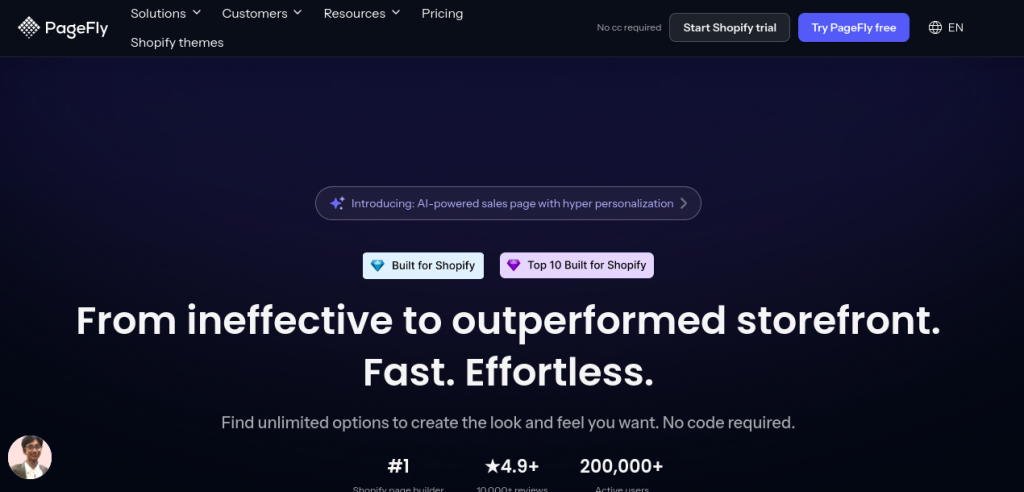
PageFly consistently ranks as one of the most popular Shopify page builders, and for good reason. This app has been around since 2017 and has helped over 100,000 stores create custom pages.
What Makes It Stand Out
PageFly offers an incredibly intuitive drag and drop builder that lets you design any type of page – homepages, product pages, landing pages, blog posts, and even FAQ pages. The interface is clean, and most users get the hang of it within minutes.
The app comes loaded with 80+ pre-designed sections and elements. You can add countdown timers, before/after sliders, product tabs, testimonial sections, and much more. Everything is mobile-responsive out of the box, and you can customize the mobile view separately if needed.
Pricing and Plans
PageFly offers a free plan that’s actually useful – not one of those stripped-down versions that forces you to upgrade immediately.
The paid plans start at $18/month and go up to $99/month for high-volume stores. They also offer a pay-as-you-go option if you’re on a tight budget.
Best For
Small to medium businesses that want flexibility without complexity. It’s perfect if you’re comfortable with tech but don’t want to learn to code.
PageFly’s flexibility shines when combined with other conversion tools. Pair it with trust badges at checkout to build confidence, or integrate AI-powered apps for personalized experiences.
2. Shogun – Built for Serious Brands
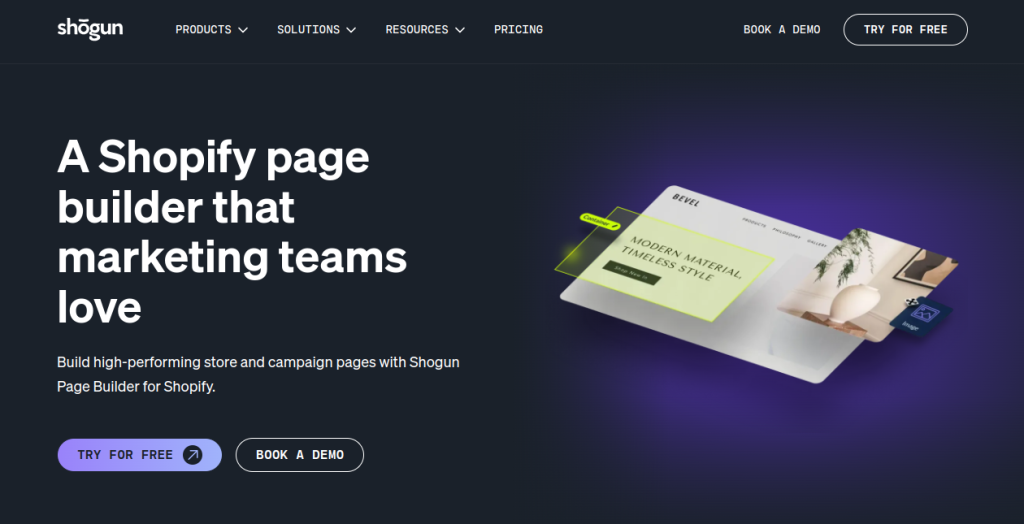
If you’re running a brand with multiple team members and need more advanced features, Shogun is worth a serious look. This platform goes beyond basic page building and offers A/B testing, personalization, and detailed analytics.
Features That Matter
Shogun’s visual editor is smooth and responsive. You can click on any element and edit it directly on the page, which feels more natural than working with a sidebar menu. The app includes built-in A/B testing, so you can create two versions of a page and see which one converts better.
One feature that sets Shogun apart is its content scheduling. You can design holiday campaigns or seasonal promotions weeks in advance and set them to go live automatically. This is a massive time-saver during busy periods.
Pricing Structure
Shogun starts at $39/month for basic features, with more advanced plans going up to $499/month for enterprise-level stores.
Yes, it’s pricier than some alternatives, but you’re paying for professional-grade tools.
Best For
Growing businesses and established brands that need advanced features like A/B testing and team collaboration. If you’re doing serious revenue, the investment makes sense.
Best For: Growing businesses and established brands that need advanced features like A/B testing and team collaboration. If you’re doing serious revenue, the investment makes sense.
Shogun’s A/B testing capabilities work best when your entire marketing automation is dialed in. Test different page designs while optimizing email sequences and abandoned cart flows simultaneously.
3. GemPages – Speed Meets Flexibility
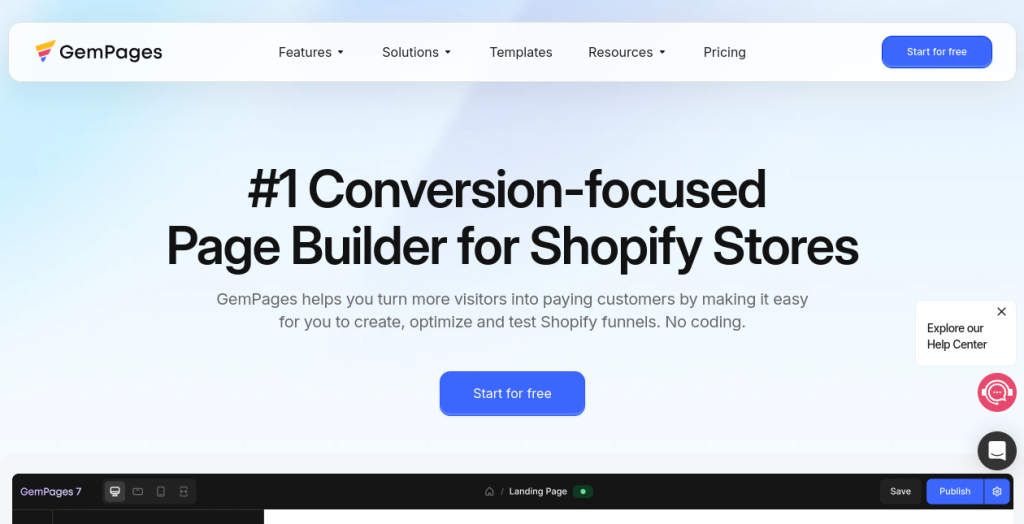
GemPages has built a reputation for creating fast-loading pages that don’t sacrifice design flexibility. When you’re choosing Shopify page builders, site speed should be high on your priority list, and GemPages delivers on this front.
Why Speed Matters Here
Every element in GemPages is optimized for performance. The app uses lazy loading for images and minimizes unnecessary code. The result? Pages that load quickly even with lots of visual content. This directly impacts your conversion rates – studies show that a one-second delay in load time can reduce conversions by 7%.
GemPages offers over 80 templates across different industries. Whether you sell fashion, electronics, or handmade goods, there’s a starting point that makes sense for your niche. The drag and drop builder is straightforward, though it has a slight learning curve compared to some competitors.
Pricing Options
The free plan includes most core features with some limitations on published pages.
Paid plans start at $29/month and scale up to $199/month for stores with high traffic and extensive needs.
Best For
Store owners who prioritize site speed and don’t want to sacrifice beautiful design. It’s also great for those who want solid templates as a starting point.
Best For: Store owners who prioritize site speed and don’t want to sacrifice beautiful design. It’s also great for those who want solid templates as a starting point.
Speed optimization doesn’t stop at your page builder. Implement schema markup for faster indexing and rich snippets, and ensure your meta tags are optimized for click-through rates.
Also Read: Best 8 Shopify Schema Markup Apps 2026
4. Zipify Pages – The Conversion-Focused Choice
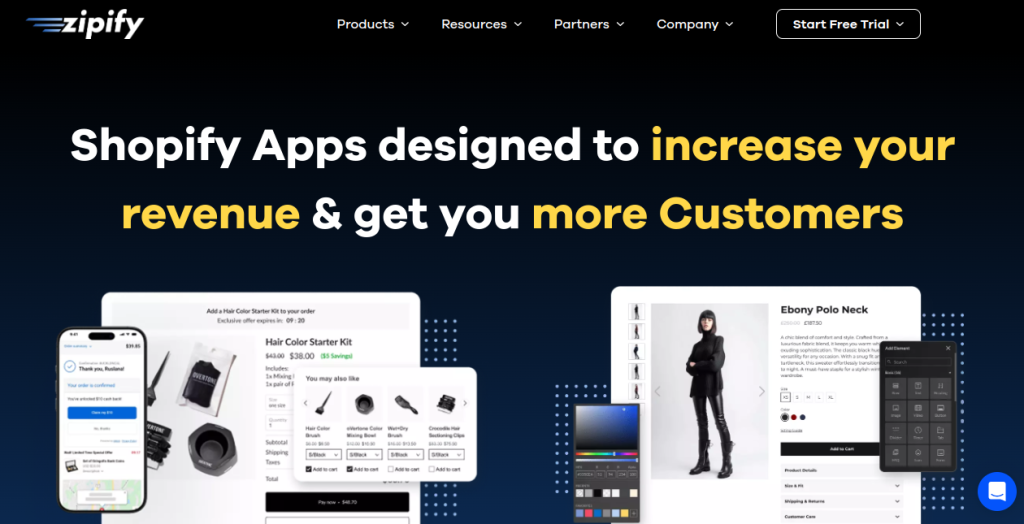
Created by Ezra Firestone, a well-known figure in the e-commerce world, Zipify Pages focuses specifically on creating high-converting landing pages. This isn’t just another page builder – it’s built on years of testing what actually makes people click “buy.”
Conversion-Driven Design
Zipify comes with templates that are based on proven conversion principles. Each template includes strategic placement of social proof, urgency elements, and clear calls to action. The builder includes features specifically designed to reduce cart abandonment and increase average order value.
You’ll find sticky add-to-cart buttons, quantity breaks (buy 2, get 10% off), and countdown timers built right in. These aren’t just decorative elements – they’re conversion tools based on consumer psychology.
What It Costs
Zipify has a straightforward pricing model starts at: $19/month, period. No tiers, no complicated decisions. You get everything they offer for one flat rate. They also provide a 14-day free trial, which is enough time to build a few pages and see if it works for your store.
Best For
Entrepreneurs focused on maximizing conversions. If you’re running paid traffic to your store and need landing pages that justify your ad spend, this is your tool.
5. Replo – The Modern Approach
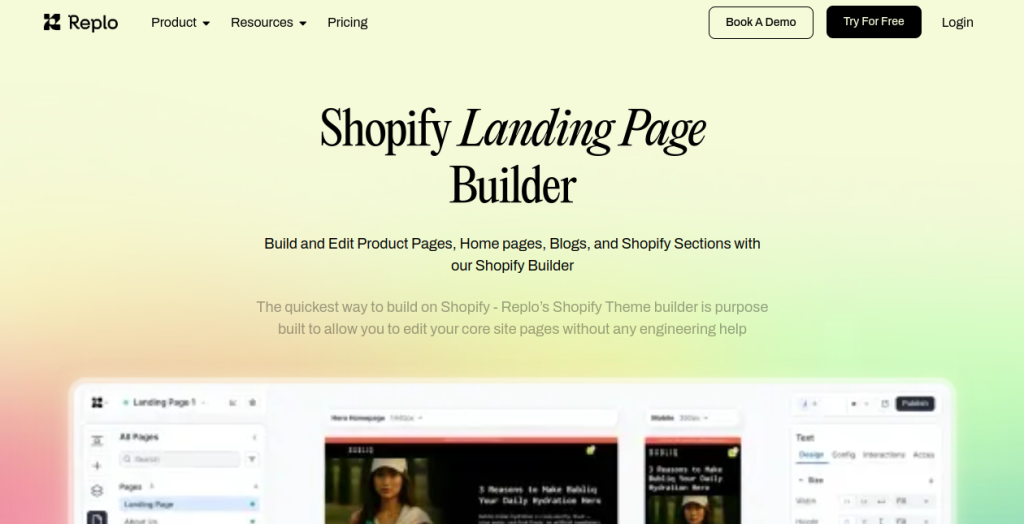
Replo is one of the newer Shopify page builders on the scene, but it’s making waves with its modern interface and powerful customization options. Built by a team that previously worked at tech companies like Airbnb, it shows in the user experience.
A Different Kind of Interface
Replo feels different from other builders. The interface is clean and uncluttered, with keyboard shortcuts that speed up your workflow once you learn them. Advanced users will appreciate the ability to add custom CSS and JavaScript when needed, while beginners can stick to the visual editor.
The app integrates seamlessly with popular Shopify apps for reviews, email collection, and upsells. This means your custom pages work with your existing tools without weird workarounds.
Investment Required
Replo starts at $99/month for basic features, with custom pricing for larger operations. They’re positioning themselves as a premium solution, and the pricing reflects that.
Best For
Tech-savvy store owners who want more control and don’t mind a slightly steeper learning curve. Also great for agencies managing multiple client stores.
6. Instant – Focused Simplicity
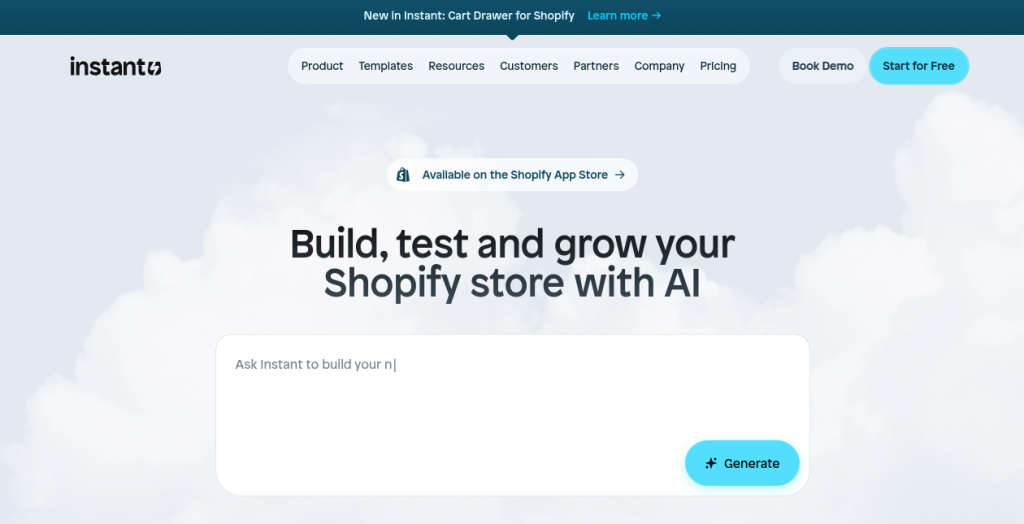
Sometimes you don’t need all the bells and whistles. Instant takes a different approach – it offers fewer features but executes them really well. Think of it as the drag and drop builder for people who want to get things done quickly without getting overwhelmed.
Streamlined Experience
Instant strips away complexity and focuses on the essentials. You get clean templates, a simple editor, and fast performance. There’s no extensive library of widgets or complicated settings menus. Just the core tools you need to build good-looking pages.
This simplicity is actually a strength for many users. You can build a professional landing page in 15-20 minutes instead of spending hours tweaking every detail. The trade-off is less customization, but for many stores, that’s perfectly fine.
Cost Breakdown
Instant keeps pricing simple too: $31/month for the basic plan and custom/month for more features. This makes it one of the most affordable Shopify page builders available.
Best For
Beginners who feel intimidated by more complex tools, or experienced users who want to build pages quickly without overthinking.
7. EComposer – The Feature-Rich Alternative
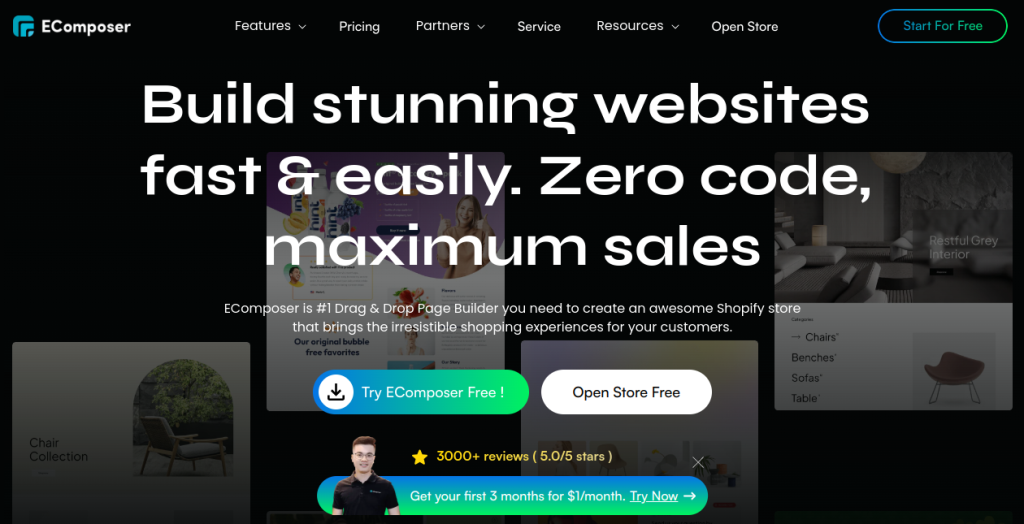
EComposer has quickly gained popularity as a powerful yet affordable option in the Shopify page builders space. This relatively new player offers an impressive feature set that rivals more expensive competitors while keeping costs accessible.
What’s Different Here
EComposer packs in over 1,000 pre-built templates and 200+ customizable sections, giving you one of the largest design libraries available. The drag and drop builder is smooth and includes live editing, so you see changes instantly without switching to preview mode.
What sets EComposer apart is its AI-powered design suggestions. The app can analyze your store and recommend layouts that match your industry and brand style. It also includes built-in conversion tools like countdown timers, stock counters, and smart popups.
Pricing Details
EComposer offers a generous free plan with basic features. Paid plans start at just $19/month and go up to $99/month for stores needing advanced customization and priority support.
Best For
Store owners who want extensive template options and modern features without breaking the bank. Perfect for those who like having lots of design choices to explore.
8. LayoutHub – Budget-Friendly Power
LayoutHub proves you don’t need to spend a fortune to get a quality page builder. This app packs a surprising number of features into affordable plans, making it popular with new store owners and those testing the waters with custom page design.
Features That Punch Above Their Weight
LayoutHub includes 100+ pre-designed sections and full-page templates. The drag and drop builder is responsive and includes most of the widgets you’d expect: image galleries, video embeds, contact forms, and product showcases.
One standout feature is the mobile editor that gives you granular control over how pages look on phones. Since mobile traffic dominates most stores, this level of control matters.
How Much It Costs
The free plan includes basic features, perfect for trying out the platform.
Paid plans start at pay as you go/month model, making LayoutHub one of the most budget-friendly options when comparing Shopify page builders.
Best For
New store owners working with limited budgets, or those who want to test page building before committing to pricier tools.
9. Sections Pro – The Template Powerhouse
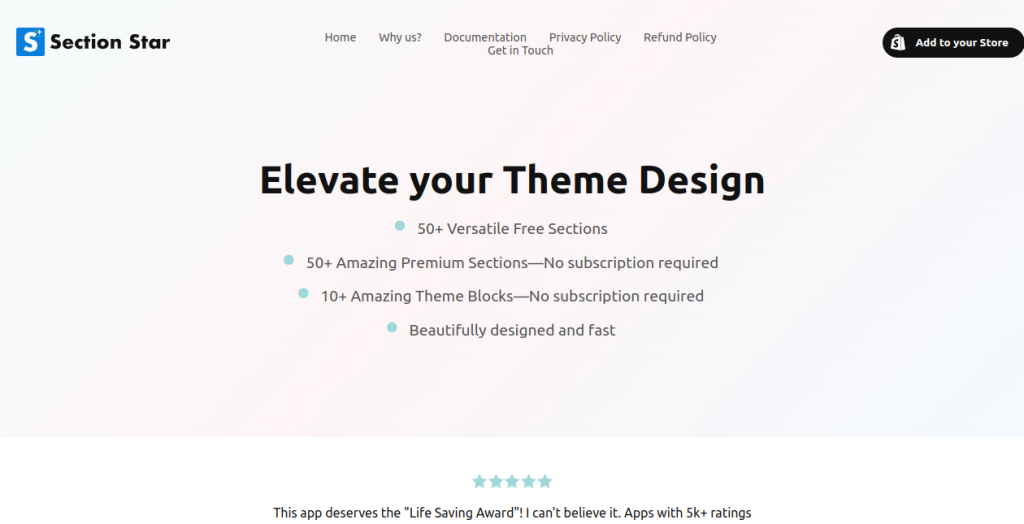
Sections Pro takes a different approach than most page builders. Instead of starting from scratch, you get access to a massive library of pre-built sections that you can mix and match. Think of it as Lego blocks for your Shopify store.
The Section Library Advantage
With over 130 professionally designed sections, you can build complete pages by simply choosing the blocks you need. Want a hero section with a video background? Done. Need a product comparison table? It’s already built. Customer testimonials with photos? Ready to go.
Each section is customizable through Shopify’s theme editor, which means you’re not locked into a third-party app forever. If you decide to stop using Sections Pro later, your pages still work.
What You’ll Pay
Sections Pro operates on a one-time payment model.
You pay depending on which package you choose, and you own those sections forever. No monthly fees eating into your profit margins.
Best For
Store owners who prefer owning their tools outright rather than paying monthly subscriptions. Also great for those who want pre-built quality over extensive customization.
10. Gempages (Alternative Approach)
We’re including this second mention because GemPages also offers a different product line focused specifically on theme development rather than page building. It’s worth noting if you’re looking at comprehensive solutions for your entire store design.
This approach gives you more control over your overall store aesthetic and ensures consistency across all pages, not just the ones you custom-build.
Use Case Recommendations
| Your Situation | Recommended Tool | Why |
| Just starting out, tight budget | LayoutHub or PageFly Free | Learn without financial risk |
| Need pages fast, minimal complexity | Instant | Fastest time to launch |
| Running paid ads, need conversions | Zipify Pages | Built for conversion optimization |
| Site speed is critical | GemPages | Best performance optimization |
| Need A/B testing and analytics | Shogun | Only option with built-in testing |
| Agency managing clients | Replo | Multi-store management |
| Hate monthly fees | Sections Pro | Pay once, own forever |
| Want best all-around tool | PageFly | Most balanced feature set |
| Need huge template library | EComposer | 1,000+ templates to choose from |
Understanding the ROI of Shopify Page Builders
Before you invest in any of these Shopify page builders, it helps to understand the return you can expect. The average e-commerce conversion rate hovers around 2-3%. A well-designed landing page built with a quality page builder can push that number to 5-8% or higher.
Let’s do some quick math. If your store gets 10,000 visitors per month and your average order value is $75, increasing your conversion rate from 2% to 4% means going from $15,000 to $30,000 in monthly revenue. That’s an extra $180,000 per year, and suddenly a $50/month tool doesn’t seem expensive at all.
The key is choosing a builder that fits your skill level and actually using it to create focused, conversion-optimized pages. Many store owners buy these tools and never get past the setup phase. Don’t be that person.
Integration Capabilities Matter
When evaluating Shopify page builders, pay close attention to how they integrate with your other tools. Your page builder should work smoothly with:
- Email marketing platforms (Klaviyo, Mailchimp, Omnisend)
- Review apps (Judge.me, Loox, Stamped)
- Upsell and cross-sell tools
- Analytics platforms beyond basic Shopify analytics
- Live chat and customer service widgets
The best builders offer native integrations or at least make it easy to add custom code snippets for third-party tools. Nothing kills momentum faster than building a beautiful page only to realize you can’t integrate your email signup form properly.
How to Choose the Right Builder for Your Store
Now that you’ve seen the options, how do you actually decide? Here’s a framework that works:
Consider Your Technical Comfort Level
Be honest about your skills. If you’ve never built a website before, tools like Instant or LayoutHub make more sense than jumping into something with a steep learning curve. There’s no shame in starting simple and upgrading later.
Think About Your Budget
Monthly fees add up. A $99/month tool makes sense if you’re doing $50,000 in monthly revenue. If you’re just starting out, the $15/month options work fine until you outgrow them.
Match Features to Your Needs
Do you need A/B testing right now? Probably not if you’re getting 500 visitors per month. But if you’re running $5,000 in Facebook ads monthly, it becomes essential. Don’t pay for features you won’t use.
Check Speed and Performance
Ask for demo stores or look at sites built with each platform. Use Google’s PageSpeed Insights to check load times. Slow pages kill conversions, period.
Read Recent Reviews
Platforms change fast. A review from 2022 might praise features that no longer exist or miss new updates that fixed old problems. Look for feedback from the past few months.
Common Mistakes to Avoid
After working with hundreds of store owners testing various Shopify page builders, certain mistakes keep popping up:
Over-Designing Your Pages
Just because you can add 15 different elements doesn’t mean you should. Clean, focused pages convert better than cluttered ones. Start simple and add complexity only when you have data showing you need it.
Ignoring Mobile Experience
Check how your pages look on actual phones, not just the mobile preview in your drag and drop builder. Real devices sometimes reveal issues the preview misses. Over 70% of e-commerce traffic comes from mobile devices.
Forgetting About Load Speed
Those high-resolution images and fancy animations look great, but are they worth losing 30% of your visitors who leave before the page loads? Optimize everything.
Not Testing
Build your page, publish it, and move on? Bad idea. Test different headlines, button colors, and layouts. Small changes can significantly impact your conversion rates.
Copying Competitors Exactly
Sure, look at what successful stores in your niche are doing, but don’t just clone their pages. What works for a brand with 50,000 email subscribers might not work for your startup. Adapt ideas to fit your situation.
Making the Most of Your Page Builder
Getting the tool is just step one. Here’s how to actually see results:
Start with High-Impact Pages
Don’t redesign your entire store on day one. Start with one high-traffic landing page or your homepage. Learn the builder, test what works, then expand.
Use Templates Wisely
Templates are starting points, not finished products. Customize them with your brand colors, fonts, and content. Generic-looking pages don’t build trust.
Maintain Brand Consistency
Your custom pages should feel like part of your store, not like they came from a different website. Keep fonts, colors, and overall style aligned with your brand guidelines.
Track Everything
Set up goals in Google Analytics for pages you build. Are they converting better than your standard theme pages? If not, figure out why and iterate.
Keep Learning
Most page builders have YouTube channels, blog posts, and tutorials. Spend an hour each month learning new features or techniques. The tools evolve quickly, and so should you.
The Bottom Line
Choosing from the various Shopify page builders available comes down to matching a tool to your specific situation. PageFly and GemPages offer excellent all-around value for most stores. Shogun makes sense if you need enterprise features. Zipify is perfect for conversion-focused entrepreneurs. And budget options like LayoutHub prove you don’t need to spend a lot to get started.
The best choice is the one you’ll actually use. A $100/month tool that sits unused is worthless compared to a $20/month builder you master and leverage to create high-converting pages.
Start with a free trial or low-cost option, build a few pages, and see what feels right. Your store is unique, and the perfect page builder for you might not be the one everyone else recommends.
The important thing is to start somewhere. Your store’s default theme is fine, but custom pages built with your customers in mind will always perform better. Pick a tool, build your first page, and keep improving from there.
Your store’s next breakthrough might be just one well-designed landing page away.
Frequently Asked Questions
Yes, Shopify page builders are worth the investment for most store owners. If you increase your conversion rate from 2% to just 3% using better-designed pages, a store with 10,000 monthly visitors and a $75 average order value would see an additional $7,500 in monthly revenue. That’s $90,000 extra per year, making even a $99/month tool extremely cost-effective. Plus, you save thousands on hiring developers for custom page designs.
Not necessarily. Quality Shopify page builders like GemPages and Instant are optimized for speed and won’t significantly impact your load times. However, poorly optimized builders or pages with too many heavy elements (large images, videos, animations) can slow things down. The key is choosing a performance-focused builder and following best practices like optimizing images, using lazy loading, and keeping your design clean.
Technically yes, but it’s not recommended. Using multiple Shopify page builders can create conflicts, increase your code bloat, slow down your site, and make management confusing. Each builder loads its own scripts and stylesheets, which can negatively impact performance. It’s better to choose one page builder that meets all your needs and stick with it for consistency and optimal performance.
Yes, most Shopify page builders work with any Shopify theme. They create pages independently of your theme’s structure, so you’re not limited by your theme’s design constraints. However, you’ll want to ensure your custom pages match your overall store aesthetic by using consistent colors, fonts, and styling. Some builders like Sections Pro integrate directly with your theme editor for even better compatibility.
Absolutely! Most Shopify page builders allow you to create custom product pages. This is particularly useful for creating unique layouts for specific products, adding comparison tables, custom size guides, video demos, or enhanced product galleries. Tools like PageFly and GemPages excel at product page customization, letting you design pages that showcase your products in ways standard theme templates can’t match.