
Trust is everything in e-commerce. You could have the best products, the most competitive prices, and stunning website design but if shoppers don’t trust your store, they won’t buy.
Here’s a sobering statistic: nearly 70% of online shoppers abandon their carts because they don’t feel safe entering their payment details. That’s a lot of lost revenue.
The good news? Trust badges can help you recover those lost sales. These small visual indicators showing secure checkout, accepted payment methods, and money-back guarantees can increase your conversion rates by up to 42%.
In this guide, I’ll walk you through the 10 best trust badge apps for Shopify in 2026, helping you choose the right one to build customer confidence and boost your bottom line.
Table of contents
- What Are Trust Badges? (And Why You Need Them)
- The Top 10 Trust Badge Apps for Shopify (2026 Edition)
- Quick Comparison Chart
- 1. Conversion Bear Trust Badges – Best Overall Free Option
- 2. ShopClimb Trust Badges – Best for Shopify Plus Stores
- 3. SEOWILL Trust Badges – Best for Site Performance
- 4. Essential Trust Badges & Icons – Best for Customization
- 5. Avada Boost Sales Trust Badges – Best All-in-One Solution
- 6. Trust Badge Master by HulkApps – Best Badge Library
- 7. TrustedSite Trust Badges – Best for Earned Certifications
- 8. Hextom Ultimate Sales Boost – Best Established Option
- 9. TZ Trust Badges – Best for Payment Options
- 10. PageFly Landing Page Builder – Best Integrated Design Solution
- How to Choose the Right Trust Badge App for Your Store
- Trust Badge Placement: Where to Put Them for Maximum Impact
- Trust Badge Best Practices (Do This, Not That)
- My Final Recommendation
- Ready to Build Trust and Boost Sales?
- Frequently Asked Questions
What Are Trust Badges? (And Why You Need Them)
Think of trust badges as your store’s credentials. Just like diplomas on a doctor’s wall or licenses in a restaurant, they signal legitimacy and professionalism.
Trust badges come in several flavors:
- Security Badges – SSL certificates, Norton, McAfee SECURE
- Payment Badges – Visa, Mastercard, PayPal, Apple Pay logos
- Guarantee Badges – Money-back guarantee, free shipping, satisfaction guaranteed
- Endorsement Badges – Better Business Bureau, Google Customer Reviews
- Policy Badges – Free returns, secure checkout, data protection
The psychology is simple: when customers see these familiar symbols, their anxiety decreases and their confidence increases. The result? More completed purchases.
Trust Badges + Verified Reviews = Unstoppable Credibility
With Yuko, automatically collect authentic reviews that build genuine trust.
The Top 10 Trust Badge Apps for Shopify (2026 Edition)
Let’s dive into the best options available. I’ve tested and researched these apps based on user reviews, features, pricing, and real-world performance.
Quick Comparison Chart
| App | Rating | Price | Best For | Key Feature |
| Conversion Bear | 4.8/5 | Free | Most stores | 300+ badges, lightweight |
| ShopClimb | High | Free+ | Shopify Plus | Checkout integration |
| SEOWILL | 4.9/5 | Free | Performance | Zero speed impact |
| Essential Badges | High | Free+ | Customization | Custom uploads |
| Avada | 5.0/5 | Free | All-in-one | Multiple tools |
| Trust Badge Master | 4.9/5 | Free+ | Variety | 150+ badges |
| TrustedSite | Proven | $19+ | Certification | Earned credentials |
| Hextom | Solid | Free+ | Reliability | Established app |
| TZ Badges | Good | Free+ | Payments | 300+ payment icons |
| McAfee SECURE | Brand | Varies | Recognition | Global brand trust |
| PageFly | Good | Free+ | Design | Integrated builder |
1. Conversion Bear Trust Badges – Best Overall Free Option
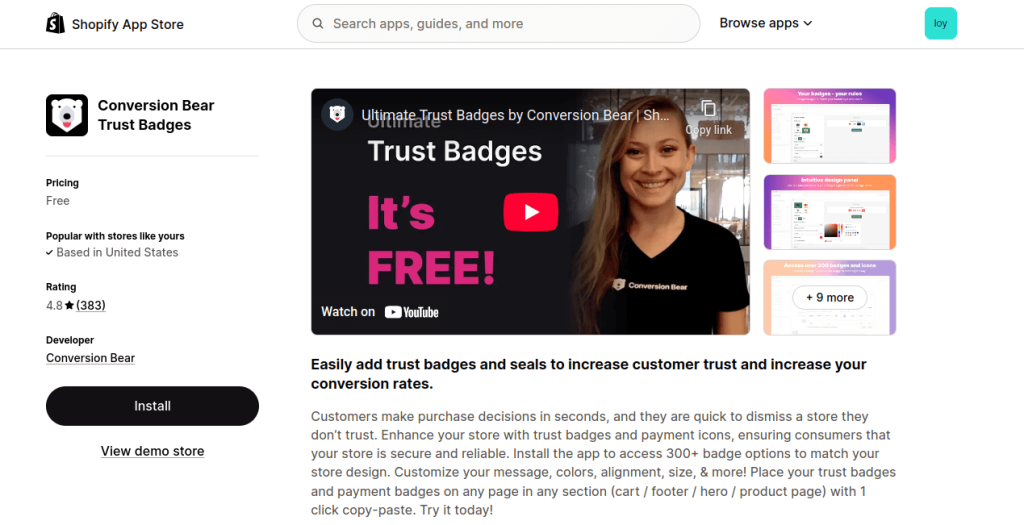
Rating: 4.8/5 stars (383 reviews)
Pricing: Free (yes, really!)
If you’re looking for a powerful trust badge app that won’t cost you a dime, Conversion Bear is your best bet. With over 300 customizable badge options and a ridiculously lightweight design (less than 30kb), it won’t slow down your Shopify store.
What Makes It Great:
- 300+ professional badge designs
- Device-specific sizing for mobile and desktop
- One-click placement anywhere on your store
- Bonus upsell and cross-sell features
- Custom color options to match your brand
Perfect For: New stores and small businesses that need professional trust badges without the price tag.
The Catch: While the free plan is incredibly robust, you might need to tweak some settings for advanced customization.
Bottom Line: This is the app I recommend most often to store owners just starting out. You get premium features without spending a cent.
2. ShopClimb Trust Badges – Best for Shopify Plus Stores
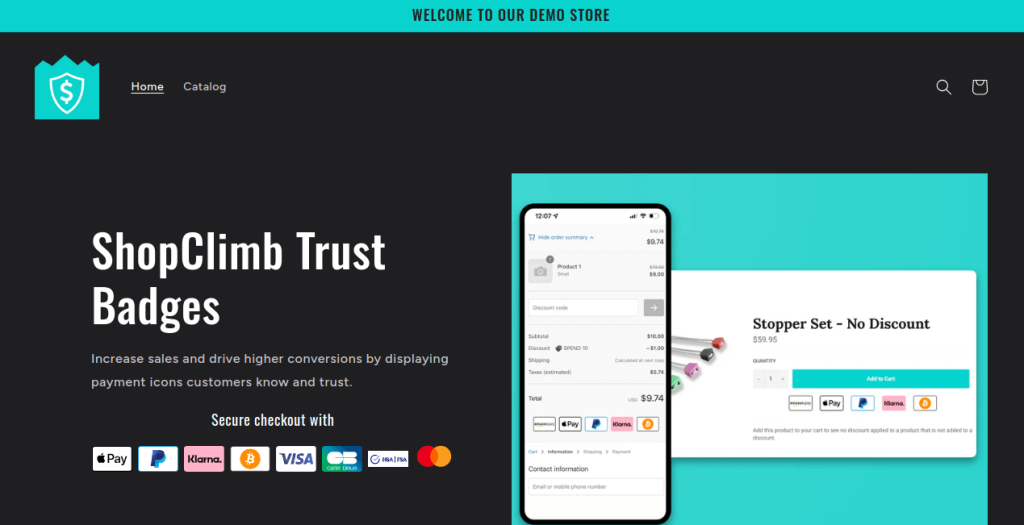
Pricing: Free plan available, paid plans for premium features
ShopClimb stands out for one killer feature: checkout page badge integration for Shopify Plus users. Since checkout optimization can make or break your conversion rate, this is huge.
Standout Features:
- Badges display directly on checkout page (Shopify Plus only)
- Geolocation-aware badges showing local payment options
- Drag-and-drop editor (no coding needed)
- Multiple design templates with full customization
Perfect For: Shopify Plus merchants who want to optimize their checkout experience.
The Reality: If you’re not on Shopify Plus, you’ll miss out on the checkout integration—but the other features still make it worthwhile.
3. SEOWILL Trust Badges – Best for Site Performance
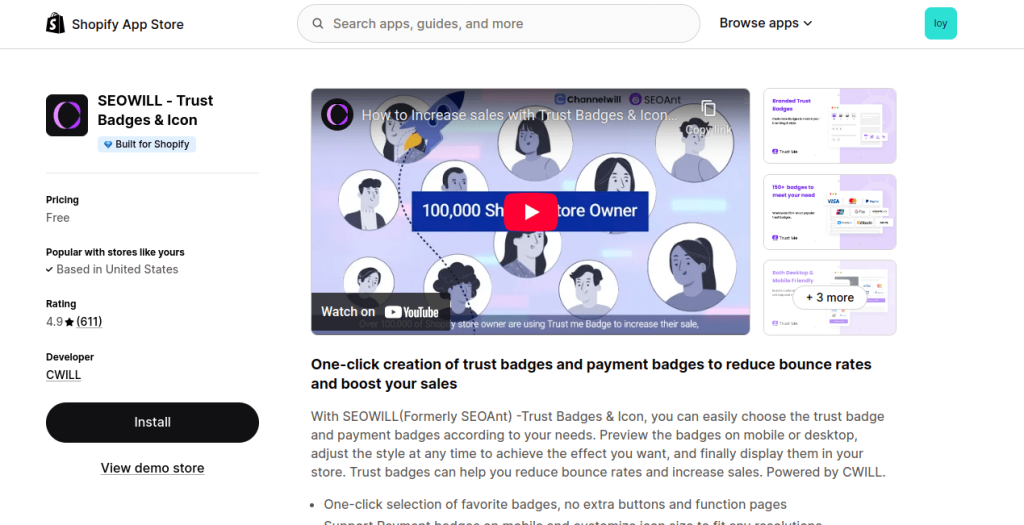
Rating: 4.9/5 stars (609 reviews)
Pricing: Completely free
Worried about app bloat slowing down your store? SEOWILL (formerly SEOAnt) has zero impact on your site speed while offering 300+ badge templates.
Key Benefits:
- Zero performance impact (seriously impressive)
- 300+ free templates
- Mobile and desktop preview before publishing
- One-click installation
- Responsive customer support
Perfect For: Performance-focused merchants who refuse to sacrifice speed for features.
Pro Tip: The support team will even help with custom coding if you need it and at no extra charge.
4. Essential Trust Badges & Icons – Best for Customization
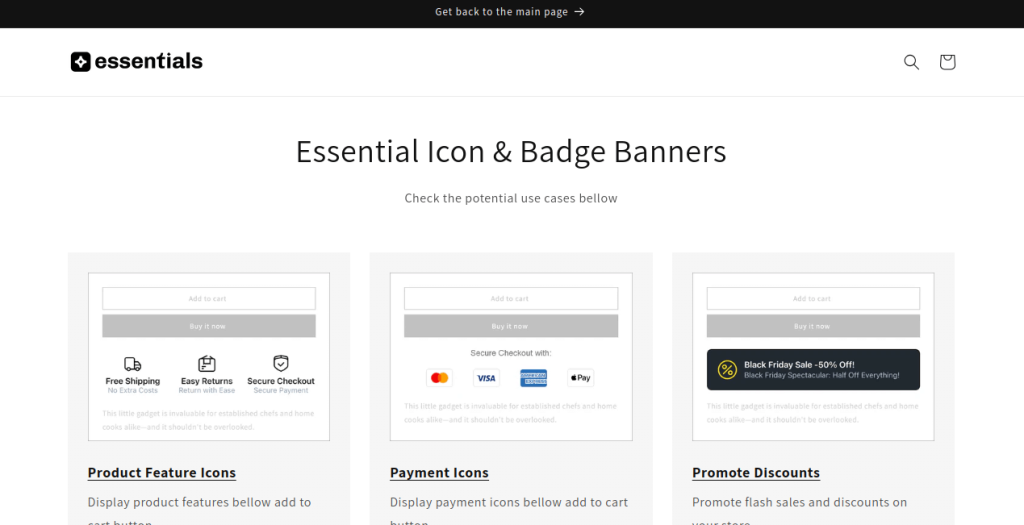
Pricing: Free plan available, premium options for advanced features
Want to upload your own custom icons and create unique badge designs? Essential Trust Badges gives you that flexibility.
What You Get:
- Upload your own custom badge designs
- Product labels, sale badges, discount stickers
- Flexible placement across your entire store
- Shipping and return badges
- Full color, font, and size customization
Perfect For: Brands with specific visual requirements or unique guarantees to showcase.
Customer Love: Users rave about the 15-minute customer service response times!
Also Read: Top 10 Shopify Analytics Apps: Track Performance and Boost Profits
5. Avada Boost Sales Trust Badges – Best All-in-One Solution
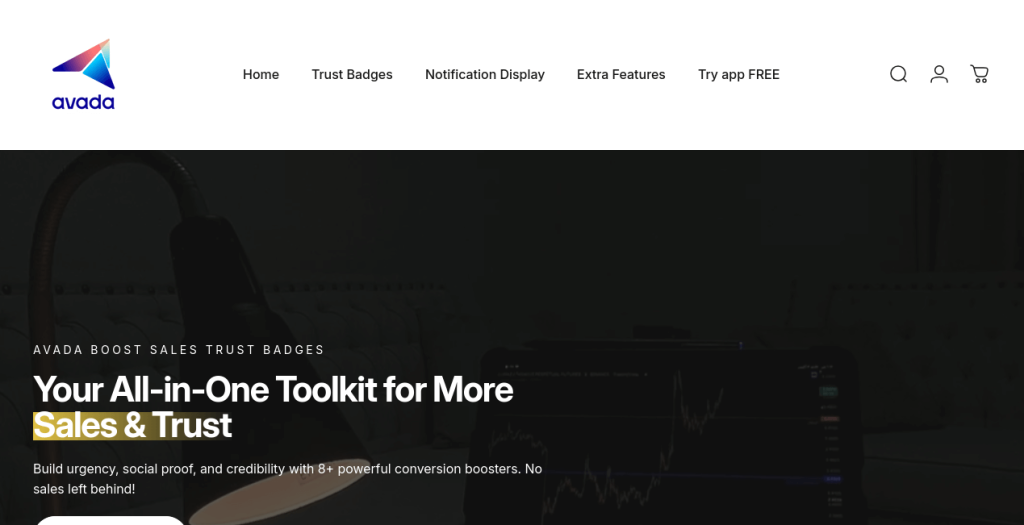
Rating: 5.0/5 stars (3,000+ reviews)
Pricing: Free
Avada isn’t just a trust badge app—it’s a complete conversion optimization toolkit. You get trust badges, countdown timers, sales pop-ups, and real-time purchase notifications all in one place.
The Complete Package:
- Real-time sales notifications (social proof)
- Countdown timers (urgency)
- Trust badge generator
- Integration with review apps like Judge.me
- Sales pop-ups with FOMO triggers
Perfect For: Store owners who want multiple conversion tools in one free package.
Word of Caution: Because it does so much, there’s a bit more of a learning curve. But once set up, it’s powerful.
6. Trust Badge Master by HulkApps – Best Badge Library
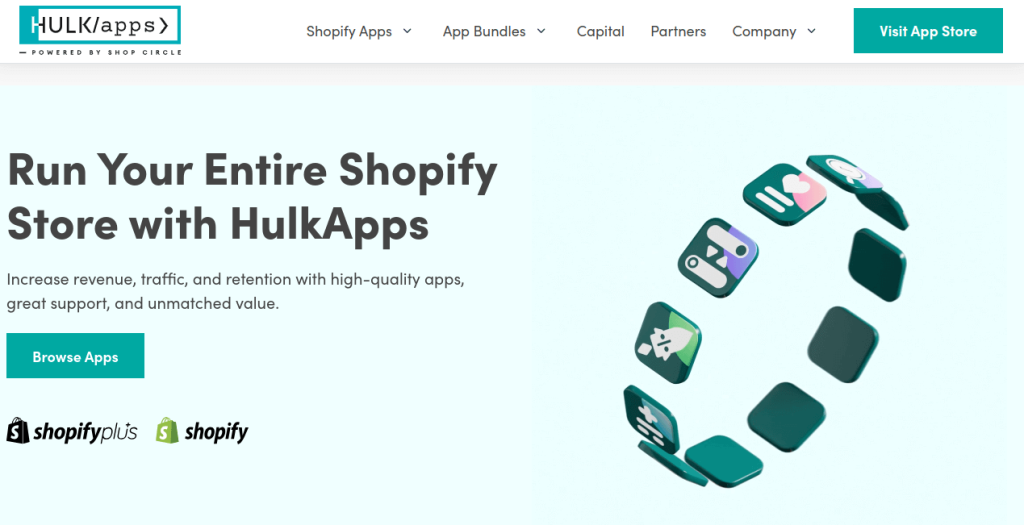
Rating: 4.9/5 stars (95+ reviews)
Pricing: Free plan available (includes watermark), paid plans remove branding
With over 150 customizable badges and compatibility with every Shopify theme (including the new Dawn theme), HulkApps delivers variety and flexibility.
Library Includes:
- 150+ trust and payment badges
- Dual-color and full-color options
- Circle payment badges
- Credit card provider logos
- Drag-and-drop placement
Perfect For: Merchants who want extensive badge options and theme compatibility.
Keep in Mind: The free version includes a HulkApps watermark. Upgrade to a paid plan to remove it.
Convert Trust Into Long-Term Customer Loyalty
Yuko turn one-time buyers into loyal fans with points-based loyalty rewards
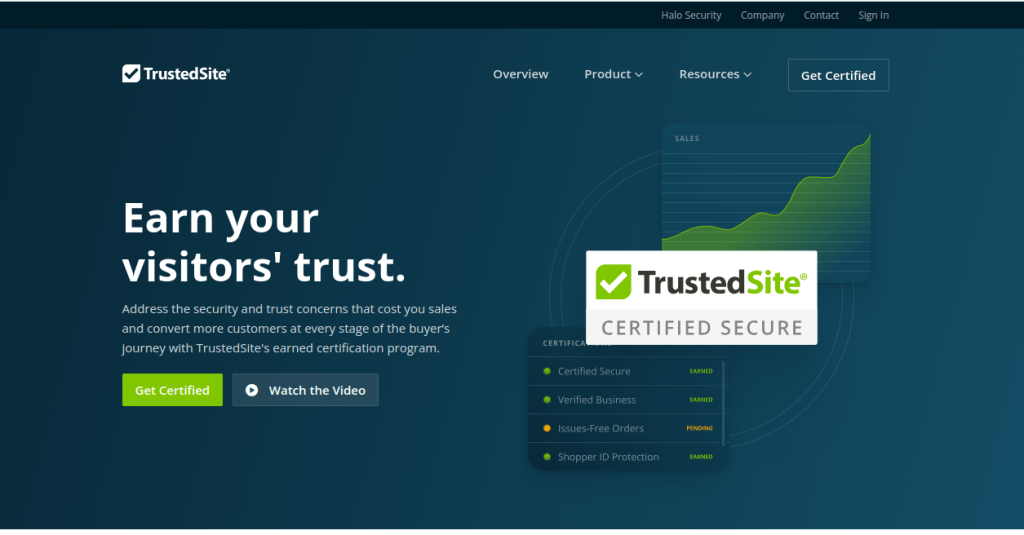
7. TrustedSite Trust Badges – Best for Earned Certifications
Pricing:
- Free: Up to 500 visits/month
- Pro 2000: 2,000 visits/month
- Pro 5000: 5,000 visits/month
- Pro 10000: 10,000 visits/month
Unlike other apps that just display badges, TrustedSite actually certifies your site through security scans and business verification. These are real, earned credentials.
Certifications You Earn:
- Certified Secure (after security scan)
- Verified Business (after contact verification)
- Data Protection certification
- Spam-free certification
Perfect For: Established businesses that want third-party validation and are willing to pay for it.
The Advantage: A/B testing shows TrustedSite badges outperform generic badges, with case studies showing 4%+ conversion increases.
Money-Back Guarantee: 30 days if you don’t see results.
Also Read: Best 10 Shopify Apps for Custom Products in 2025
8. Hextom Ultimate Sales Boost – Best Established Option
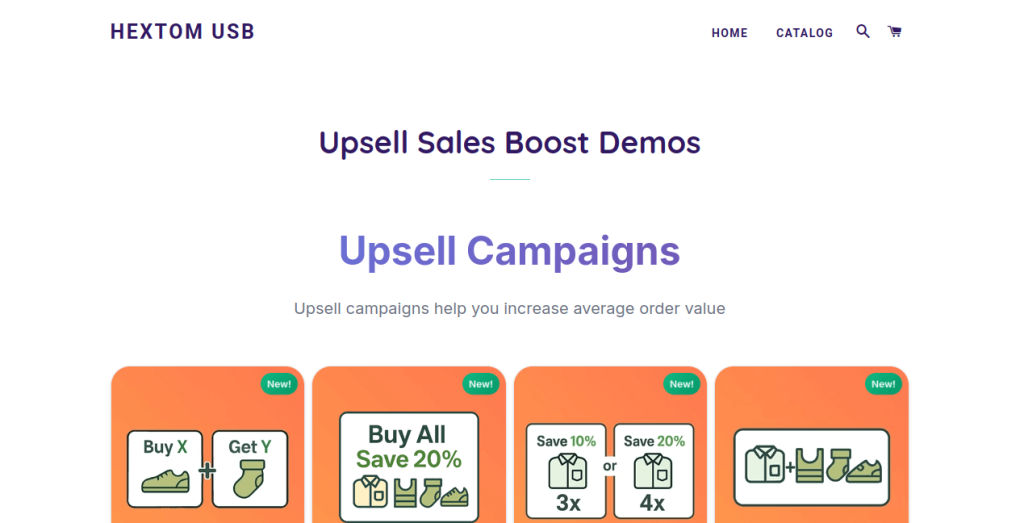
Pricing: Free and paid tiers
Hextom has been around the block. It’s a reliable, well-maintained app with regular updates and a solid track record. It includes trust badges among 30+ conversion tools.
Reliability Features:
- Regular library updates
- Multiple badge categories
- Security seals and payment icons
- Long-term developer support
- 30+ sales-boosting tools
Perfect For: Merchants who value stability and proven reliability over cutting-edge features.
9. TZ Trust Badges – Best for Payment Options
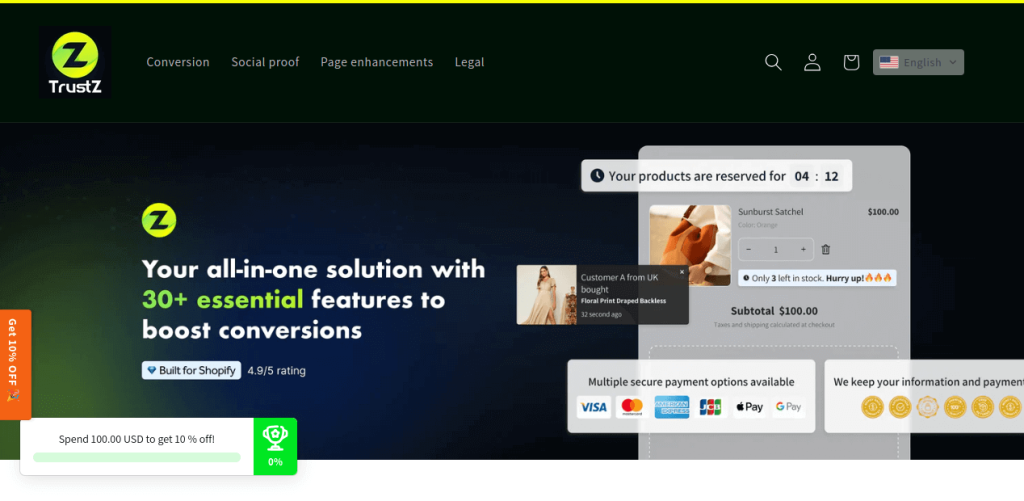
Pricing: Free and paid options
With 300+ payment and trust icons specifically optimized for performance, TZ focuses on showing customers exactly how they can pay.
Specialty Features:
- 300+ payment method icons
- Intelligent content delivery
- Multiple design variations per badge
- Performance-optimized code
Perfect For: International stores accepting multiple payment methods who need comprehensive payment badge coverage.
Also Read: Top 5 Shopify Dropshipping Apps in 2025: Everything You Need to Know
10. PageFly Landing Page Builder – Best Integrated Design Solution
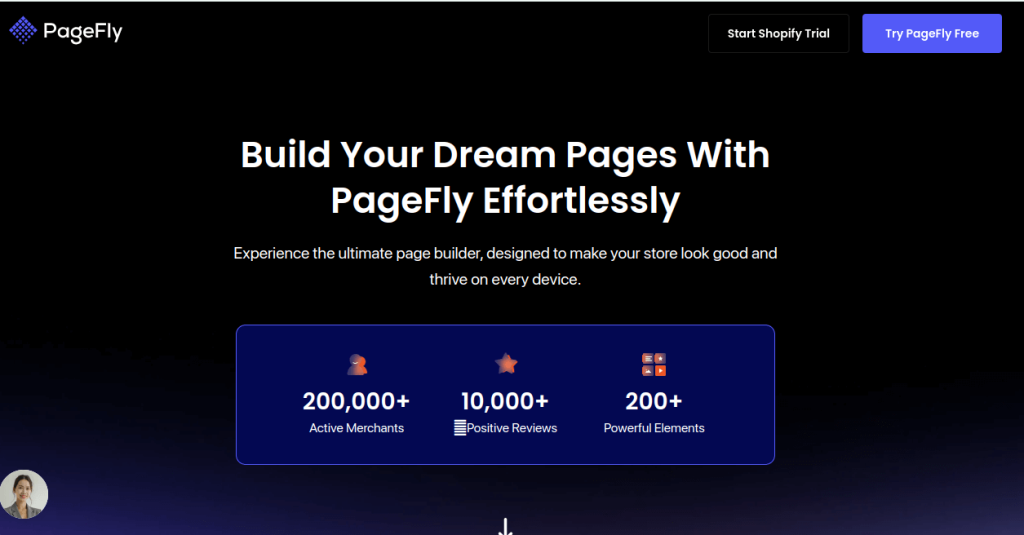
Pricing: Free and paid tiers
If you’re building custom landing pages, PageFly integrates trust badges directly into professionally designed templates.
Design-First Approach:
- Pre-built templates with trust badge sections
- Drag-and-drop page builder
- Complete design control
- Seamless badge integration
Perfect For: Merchants creating custom landing pages who want trust elements built into their design workflow.
Note: This is broader than just badges—it’s a complete page builder. Great if you need both, overkill if you just want badges.
Also Read: 9 Best Shopify Page Builders to Transform Your Store in 2025
How to Choose the Right Trust Badge App for Your Store
With 11 solid options, how do you pick? Here’s my decision framework:
- If You’re Just Starting Out:
Go with Conversion Bear or SEOWILL (both free, both excellent)
- If You’re on Shopify Plus:
Choose ShopClimb for checkout page integration
- If You Want an All-in-One Solution:
Pick Avada Boost Sales for badges + conversion tools
- If You Need Proven Certifications:
Invest in TrustedSite for earned credentials
- If Performance is Critical:
SEOWILL wins with zero speed impact
- If You Need Customization:
Essential Trust Badges for custom uploads and designs
Trust Badge Placement: Where to Put Them for Maximum Impact
Having the right badges is only half the battle. Here’s where to place them:
Product Pages
Place security and guarantee badges near the “Add to Cart” button. This is where purchase decisions happen, so reassure customers right at the moment of truth.
Cart Page
Show payment options and security badges prominently. Many customers abandon here, so this is your last chance to address concerns.
Checkout Page (Shopify Plus)
Display SSL certification and payment security badges. This is the highest-anxiety moment—customers need maximum reassurance.
Footer
Include endorsements and certifications site-wide. This builds ambient trust throughout the browsing experience.
Homepage
Feature your key trust indicators above the fold. First impressions matter, especially for new visitors using their mobile devices.
Trust Badge Best Practices (Do This, Not That)
DO:
- Keep it simple – 3-5 relevant badges is perfect
- Match your brand – Customize colors and styles
- Test placement – A/B test different positions
- Mobile optimize – Ensure badges look good on all devices
- Update regularly – Remove expired certifications
DON’T:
- Overdo it – 20 badges looks desperate and cluttered
- Use fake badges – Customers can tell, and you’ll lose trust
- Ignore mobile – 70%+ of traffic is mobile
- Slow down your site – Choose lightweight apps
- Set and forget – Monitor performance and adjust
- How Google Reviews for Businesses Can Transform Your Online Reputation – Combine trust badges with authentic Google reviews for maximum credibility
- 11 Best Yotpo Alternatives for Shopify (Save $100-500/Month) – Build social proof through verified customer reviews alongside trust badges
- 11 Best Shopify Catalog Apps in 2025 – Organize your products professionally to complement your trust-building efforts
- 13 Best SEO Apps for Shopify: Complete Guide to Dominating Search Rankings – Drive more qualified traffic to benefit from your trust optimization
My Final Recommendation
If I had to pick just one app for most Shopify store owners, it would be Conversion Bear Trust Badges.
Here’s why:
- It’s completely free (no hidden costs)
- 300+ professional badge options
- Ultra-lightweight (won’t slow your store)
- Easy to customize and place
- Excellent user reviews
That said, if you’re on Shopify Plus, ShopClimb is worth considering for its checkout integration. And if you want certifications that you actually earn, TrustedSite is the premium choice.
Build Complete Customer Trust From First Click to Repeat Purchase
All for 70% less than using separate tools.
Ready to Build Trust and Boost Sales?
Trust badges are one of the easiest, most cost-effective ways to increase conversions on your Shopify store. The apps above are all proven solutions used by thousands of successful stores.
My advice: Start with a free app like Conversion Bear or SEOWILL. Test different badge placements on your product and cart pages. Monitor your analytics for changes in cart abandonment and conversion rates.
You’ll likely see improvements within the first few weeks. And the best part? Most of these solutions are free or very affordable.
What are you waiting for? Pick an app, install it today, and start building the trust that turns browsers into buyers.
Frequently Asked Questions
Yes, trust badges genuinely work and the data backs it up. Multiple A/B tests show conversion rate increases between 8-42% when trust badges are properly implemented. The Baymard Institute found that 18% of US online shoppers abandon their carts specifically because they “didn’t trust the site with their credit card information.”
The sweet spot is 3-5 strategically placed trust badges across your store. This provides sufficient reassurance without overwhelming customers or creating visual clutter. Studies show that too many trust signals create a “lady doth protest too much” effect when stores display 10, 15, or 20+ badges, customers subconsciously wonder why you’re trying so hard to convince them.Focus on the most relevant badges for your specific audience.
Absolutely not and the consequences can be severe. Only display badges you’ve legitimately earned, have authorization to use, or represent services you actually provide. Using fake security seals (like McAfee SECURE without certification), fabricated guarantee badges, or payment logos you don’t accept constitutes false advertising and can result in legal action, platform suspension, and permanent reputation damage.
For most Shopify stores, free apps like Conversion Bear and SEOWILL provide everything you need. They offer hundreds of professional badge designs, easy customization, and reliable performance without any cost. The quality of free trust badge apps has improved dramatically, making them genuinely competitive choices.
Strategic placement addresses customer concerns at the exact moment they arise during the purchase journey. On product pages, place security and guarantee badges near the “Add to Cart” button this is where purchase anxiety peaks. Security badges (SSL, secure checkout) address payment safety, while guarantee badges (money-back guarantee, free returns) reduce purchase risk.
Generic trust badges from free apps work well for most stores and cost nothing to implement, making them the right starting point for new or small businesses. These badges are recognized, trusted by customers, and effectively communicate basic security and legitimacy.
Paid certification services like TrustedSite and McAfee SECURE provide actual earned credentials through security scanning and business verification, rather than static badge images. These can outperform generic badges by 4-8% in A/B tests, particularly for customers who recognize third-party certifications.
Yes, and custom badges can be highly effective for communicating unique value propositions that generic badges can’t capture. Apps like Essential Trust Badges allow you to upload custom designs for specific guarantees like “48-Hour Shipping,” “Handmade in California,” or “Lifetime Warranty.” Custom badges help you stand out and communicate brand-specific promises.