
Why Upselling is Critical in 2026
Upselling can increase online store revenue by 10-30%, and with customer acquisition costs soaring, it’s 68% more cost-effective to upsell existing customers than to find new ones. In 2026, the most successful Shopify stores use multi-layered upsell strategies across the entire customer journey from product pages to checkout to post-purchase.
What Makes a Great Upsell App in 2026?
Not all upsell apps are created equal, and in 2026, the bar has risen significantly. The best upsell apps combine intelligent AI-powered recommendations with seamless user experience, ensuring that offers feel helpful rather than pushy.
They work across multiple touchpoints from product pages and cart drawers to checkout and post-purchase thank you pages creating a cohesive upselling strategy throughout the entire customer journey. Modern upsell apps must also be mobile-optimized (since over 70% of Shopify traffic now comes from mobile devices), load lightning-fast to avoid cart abandonment, and provide detailed analytics so you can measure ROI down to the dollar.
Most importantly, they should integrate effortlessly with your existing Shopify theme and other apps, requiring minimal technical knowledge to set up and maintain.
The right upsell app should scale with your business, offering flexible pricing that aligns with your growth rather than eating into your profits.
Maximize Revenue From Every Customer
Yuko, complement your upsell strategy with verified product reviews that build trust and encourage repeat purchases
Table of contents
- What Makes a Great Upsell App in 2026?
- The 15 Best Shopify Upsell Apps for 2026
- 1. ReConvert – Post Purchase Upsell
- 2. Frequently Bought Together by Code Black Belt
- 3. AiTrillion – All-in-One Marketing Platform
- 4. Fast Bundle – Product Bundles & Discounts
- 5. LimeSpot Personalizer
- 6. iCart Cart Drawer – Cart Upsell
- 7. Candy Rack – All-in-One Upsells
- 8. Selleasy – Upsell & Cross Sell
- 9. OptiMonk – Popup & Conversion Optimization
- 10. BOGOS – Buy X Get Y Offers
- 11. Bold Upsell – Product Upsell & Cross Sell
- 12. Instant – Visual Store Builder with Upsells
- 13. Bundler – Product Bundles
- 14. Releasit COD Form & Upsells
- 15. Essential – Frequently Bought Bundle
- How to Choose the Right Upsell App
- Key Takeaways for 2026
- Choose Your Upsell App and Start Growing Today
- The Bottom Line:
- Frequently Asked Questions
The 15 Best Shopify Upsell Apps for 2026
Stop leaving money on the table. Customers are willing to spend more if you make the right offer at the right time.
We’ve analyzed the 15 best Shopify upsell apps for 2026, breaking down features, pricing, and performance so you can start boosting your average order value today.
1. ReConvert – Post Purchase Upsell
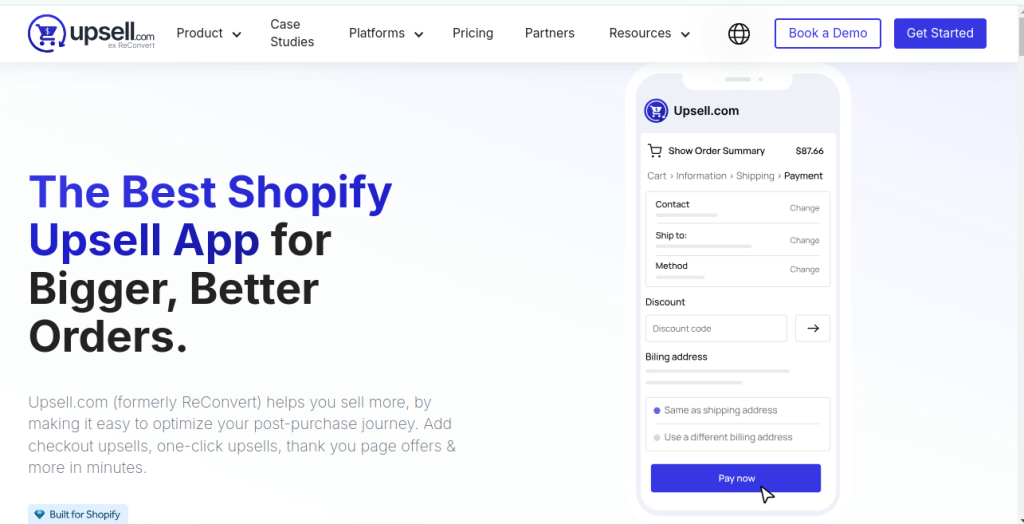
Rating: 4.9/5 stars (4,500+ reviews)
Best For: Post-purchase optimization and thank you page customization
Key Features:
- One-Click Upsells: Customers can accept offers after checkout without re-entering payment details
- Thank You Page Builder: Drag-and-drop editor to customize order confirmation pages
- Checkout Upsells: Available for Shopify Plus merchants
- AI-Powered Recommendations: Automated product suggestions based on purchase history
- Customer Data Collection: Birthday collection, surveys, and polls
- Funnel Builder: Create upsell/downsell sequences
- A/B Testing: Test different offers to optimize conversion
- Analytics Dashboard: Track performance with detailed metrics
Pricing Structure:
Plans start at $4.99/month for stores with up to 49 orders per month and scale up to $799.99/month for stores with 50,000+ orders
- Development stores: Free plan available
- All plans include: 0.75% commission on revenue generated through the app
- 30-day free trial: Available on all paid plans
Pros:
- Intuitive drag-and-drop interface with no coding required
- Merchants report an average 15% revenue increase
- Quick setup—merchants see results within minutes
- Responsive customer support with video tutorials
- Seamless Shopify integration
Cons:
- The 0.75% fee makes it expensive for larger stores
- Interface can be challenging to navigate initially
- Limited multi-language support
Real Results:
One merchant generated an extra $24,295 in sales within 30 days of installation
ReConvert works exceptionally well when paired with post-purchase survey tools to gather customer feedback while maximizing order value.
2. Frequently Bought Together by Code Black Belt
Rating: 4.9/5 stars (1,100+ reviews)
Best For: Amazon-style product bundling and AI recommendations
Key Features:
- AI-Driven Recommendations: AI trained on 1+ billion orders and 90+ million products
- One-Click Bundle Addition: Customers add entire bundles with single click
- Multiple Bundle Types: Custom bundles, fixed bundles, FBT bundles
- Automatic Discounts: Bundle pricing with cheapest item free options
- Memory Graph Technology: Analyzes purchase history for smart suggestions
- Product Page Integration: Displays recommendations directly on product pages
- Multi-language Support: Works with international stores
- POS Integration: Works with Shopify POS
Pricing:
- 30-day free trial
- $9.99/month after trial period
- No commission or transaction fees
Pros:
- Generated over $1 billion for 150,000+ merchants
- Easy integration and customization with strong customer support
- No coding required
- Works seamlessly with review apps
- Affordable flat-rate pricing
Cons:
- Manual bundle creation can be challenging for beginners
- Customization options more limited than premium alternatives
- Setup requires initial familiarization
Performance:
Merchants consistently report 20-35% increases in AOV with proper implementation
This app integrates beautifully with product catalog management tools for stores with extensive inventories.
Also Read: Top 5 Shopify Dropshipping Apps in 2026: Everything You Need to Know
3. AiTrillion – All-in-One Marketing Platform
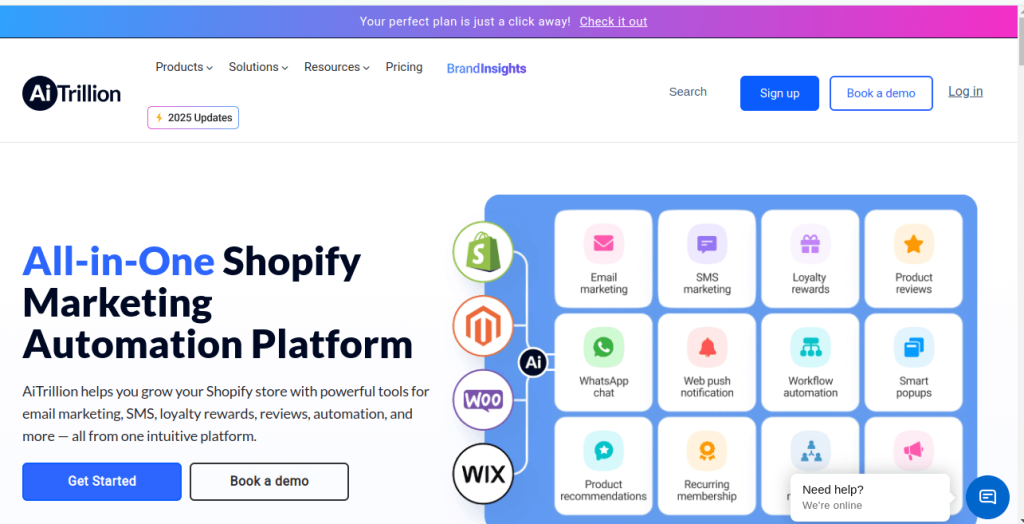
Rating: 4.6/5 stars (1,200+ reviews)
Best For: Stores wanting unified marketing automation and retention
Key Features:
- 40+ Integrated Apps: Combines loyalty, email, SMS, reviews, and upsells
- AI Recommendations: Automated product suggestions across channels
- Loyalty Program: Points, rewards, and VIP tiers
- Email & SMS Marketing: Automated campaigns and workflows
- Product Reviews: Collection and display system
- Membership Programs: Recurring revenue management
- Web Push Notifications: Re-engagement campaigns
- Affiliate Marketing: Built-in affiliate program management
Pricing:
- Free plan: Available for basic features
- Starter: $29/month
- Professional: $99/month
- Enterprise: Custom pricing
Pros:
- Replaces multiple tools with one powerful platform
- Unified analytics across all channels
- Comprehensive automation workflows
- Strong AI-driven personalization
- Excellent for building customer lifetime value
Cons:
- Learning curve due to extensive features
- May be overkill for stores only needing upsells
- Some features require higher-tier plans
4. Fast Bundle – Product Bundles & Discounts
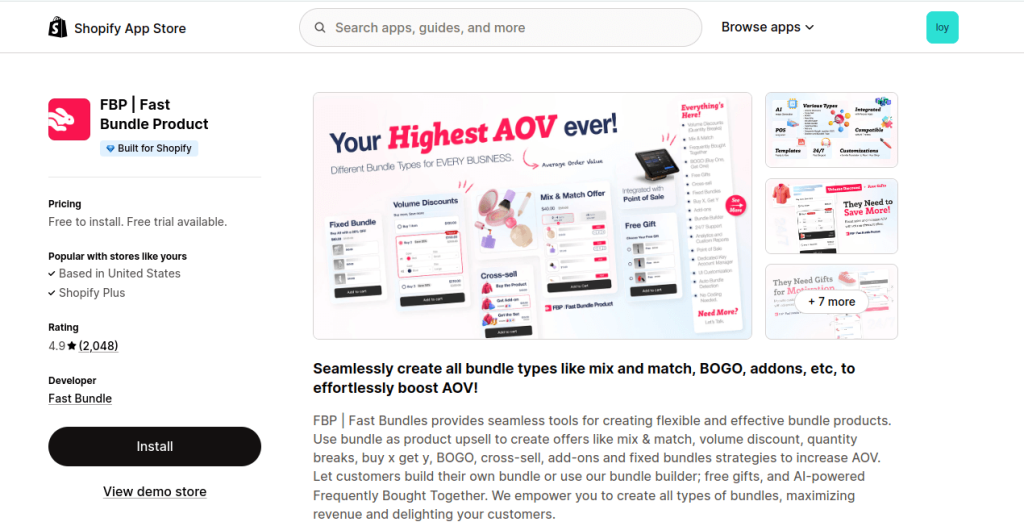
Rating: 4.9/5 stars (2,000+ reviews)
Best For: Flexible bundling with volume discounts
Key Features:
- Mix & Match Bundles: Let customers build custom bundles
- Volume Discounts: Tiered pricing based on quantity
- BXGY Promotions: Buy X Get Y deals
- Frequently Bought Together: Auto-suggested bundles
- Multi-Currency Support: Works globally
- Automatic Discount Syncing: Real-time price updates
- Analytics Dashboard: Track bundle performance
- No Coding Required: Easy setup and customization
Pricing:
- 30-day free trial
- Single plan: $19.99/month
- Includes all features
Pros:
- Widgets blend seamlessly with any Shopify theme without coding
- Fast loading and performance
- Simple, straightforward pricing
- Excellent for stores focused on bundling strategies
- Mobile-optimized
Cons:
- Limited to bundling (no post-purchase upsells)
- Single pricing tier lacks flexibility
- Advanced customization requires CSS knowledge
5. LimeSpot Personalizer
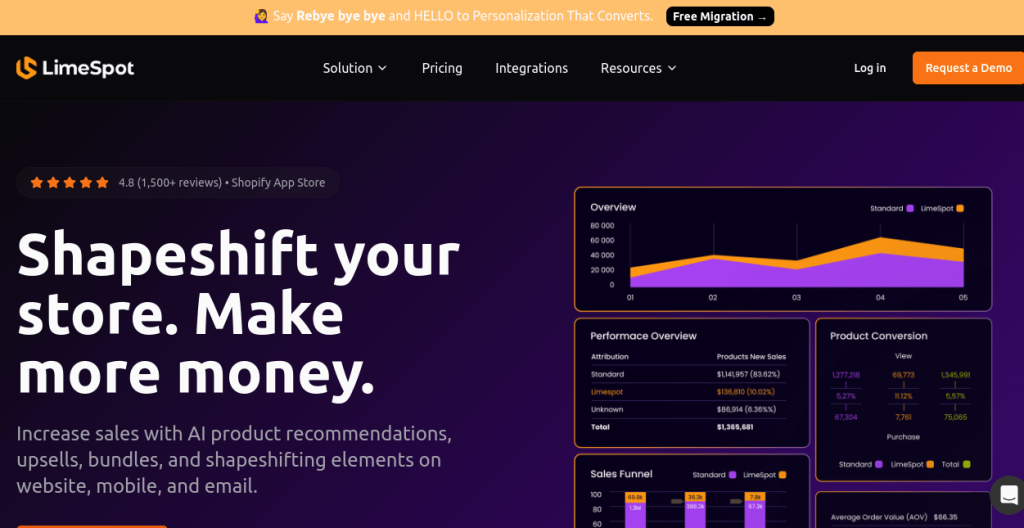
Rating: 4.8/5 stars (1,600+ reviews)
Best For: AI personalization for large product catalogs
Key Features:
- Advanced AI Engine: Machine learning for personalized recommendations
- Multi-Channel Upsells: Website, mobile app, email, and SMS
- 11+ Recommendation Types: Best sellers, trending, related products, etc.
- Audience Segmentation: Target specific customer groups
- Visual Editor: Customize appearance without coding
- A/B Testing: Test different recommendation strategies
- Quick Setup: Box recommendations in minutes
- Email Integration: Personalized product emails
Pricing:
- Free plan: Available with basic features
- Essentials: $18/month
- Premium: $480/month (for larger stores)
Pros:
- Delivers most accurate AI recommendations for stores with many products
- Works across all customer touchpoints
- Powerful segmentation capabilities
- Excellent speed and performance
- Scales well with store growth
Cons:
- Premium pricing for advanced features
- Complex setup for smaller stores
- Best suited for stores with 100+ products
6. iCart Cart Drawer – Cart Upsell
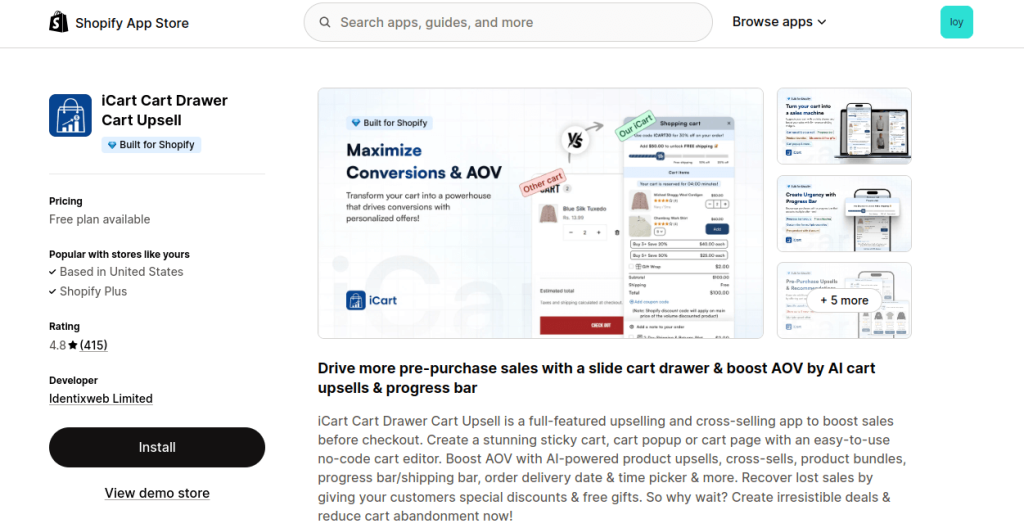
Rating: 4.9/5 stars (2,100+ reviews)
Best For: Cart drawer customization and in-cart upsells
Key Features:
- Multiple Cart Types: Slide cart, sticky cart, popup cart
- In-Cart Upsells: Show recommendations before checkout
- Progress Bars: Free shipping and discount thresholds
- Product Bundling: Create bundles within cart
- Gift Wrap Options: Add gift services
- Countdown Timers: Create urgency
- Mobile Optimization: Fully responsive design
- No Coding Required: Visual customization tools
Pricing:
- Standard: $29.99/month
- All features included
- No free plan available
Pros:
- Designed for non-technical users with intuitive interface
- Beautiful, modern UI
- High conversion rates on cart page
- Excellent mobile experience
- Fast loading times
Cons:
- No free plan or trial
- Limited post-purchase capabilities
- Higher price point for cart-only features
7. Candy Rack – All-in-One Upsells
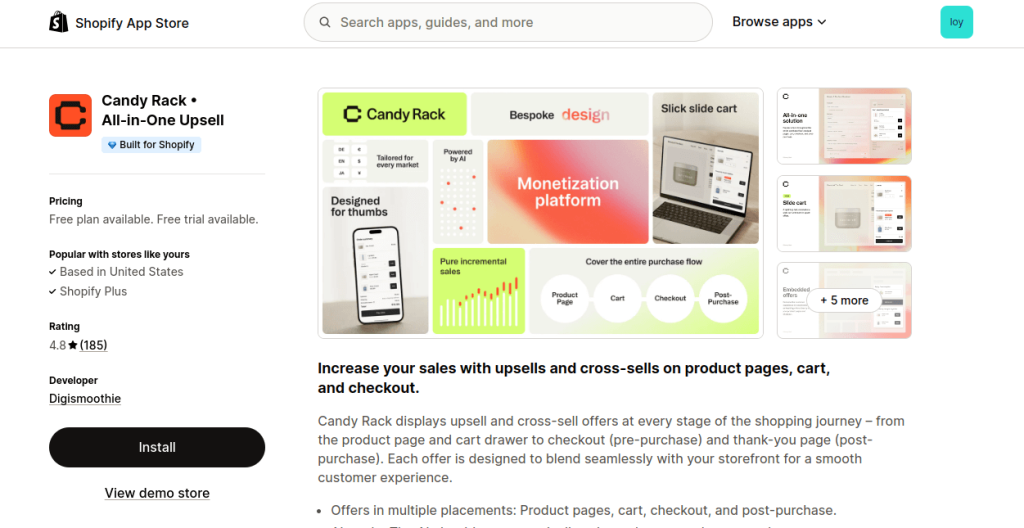
Rating: 4.8/5 stars (900+ reviews)
Best For: Premium UI and friction-free one-click upsells
Key Features:
- One-Click Upsells: Zero-friction checkout flow
- Beautiful Design: Premium, modern interface
- Full Funnel Coverage: Product page, cart, checkout, post-purchase
- Slide Cart Integration: Built-in cart drawer Post-Purchase Offers: Thank you page upsells
- Smart Targeting: Conditional offer display
- Mobile-First Design: Optimized for mobile shoppers
- Analytics: Detailed performance tracking
Pricing:
- Plans start at $29.99/month
- Tiered pricing based on store revenue
Pros:
- One of the smoothest upsell experiences, especially for fashion, beauty, and lifestyle brands
- Exceptionally clean and modern UI
- High conversion rates
- Easy to set up and customize
- Great for brand-conscious merchants
Cons:
- Premium pricing
- Feature set smaller than all-in-one solutions
- Best suited for specific niches
8. Selleasy – Upsell & Cross Sell
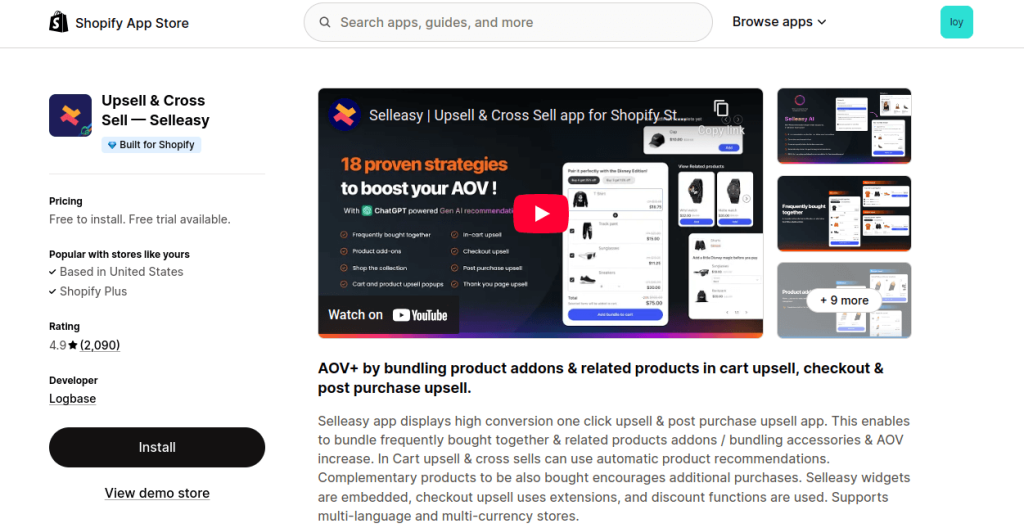
Rating: 4.9/5 stars (1,800+ reviews)
Best For: Quick setup with minimal learning curve
Key Features:
- Pre-Built Upsell Offers: Templates for quick start
- Frequently Bought Together: Amazon-style recommendations
- Product Add-ons: Accessory suggestions
- Cart Page Upsells: In-cart recommendations
- Post-Purchase Offers: Thank you page upsells
- Multi-Language Support: International stores
- Multi-Currency: Global pricing
- Simple Interface: Easy configuration
Pricing:
- Free plan: Available for development stores
- Paid plans: Start around $8.99/month
Pros:
- Simple, fast, and extremely cost-effective without steep learning curve
- Quick implementation (minutes, not hours)
- Affordable pricing
- Strong AOV results
- Excellent support
Cons:
- Limited advanced features
- Basic analytics
- Less customization than premium options
9. OptiMonk – Popup & Conversion Optimization
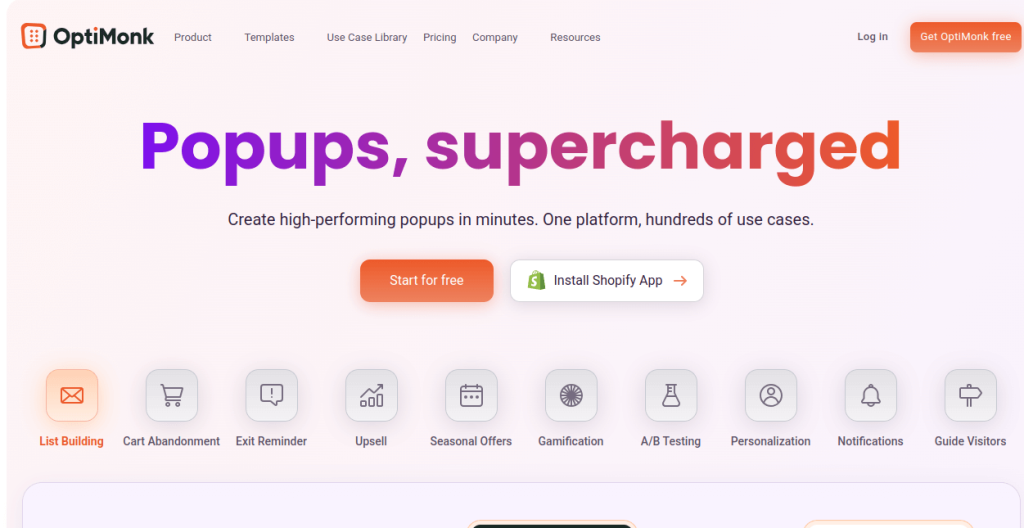
Rating: 4.7/5 stars (500+ reviews)
Best For: Popup-based upsells and exit intent
Key Features:
- Professional Popup Builder: Drag-and-drop editor
- Dynamic Recommendations: Personalized product suggestions
- Exit Intent Technology: Capture leaving visitors
- Side Messages: Non-intrusive notifications
- Embedded Content: On-page recommendations
- A/B Testing: Test popup variants
- Advanced Targeting: Behavior-based display rules
- 50+ Templates: Pre-designed campaigns
Pricing:
- Free plan: Available (up to 15,000 pageviews)
- Essential: $29/month
- Growth: $99/month
- Premium: $249/month
Pros:
- Creates high-converting popup campaigns in minutes
- Excellent for recovering cart abandoners
- Versatile use cases beyond upselling
- Strong analytics
- Great value for money
Cons:
- Popups can be intrusive if overused
- Not specifically designed for upselling
- Requires strategy to avoid annoying customers
10. BOGOS – Buy X Get Y Offers
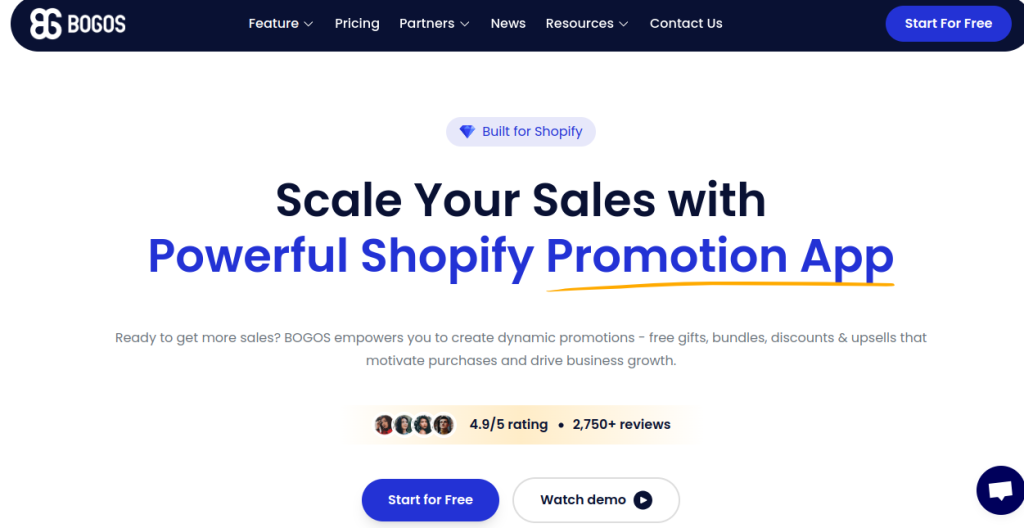
Rating: 4.9/5 stars (1,400+ reviews)
Best For: Comprehensive BOGO and promotion strategies
Key Features:
- Multiple Offer Types: BOGO, BXGY, quantity discounts
- AI-Assisted Suggestions: Automated product pairing
- Manual Control: Custom rule creation
- Full Funnel Placement: Product, cart, checkout, post-purchase
- Upsell & Downsell: Sequential offers in funnels
- Performance Analytics: Offer-level insights
- Intuitive Interface: Easy for non-technical users
- Mobile Optimized: Responsive design
Pricing:
- Free plan: 30 orders for lifetime
- Standard: $29.99/month
Pros:
- Intuitive interface allows sophisticated upsell strategies that feel natural
- Flexible offer creation
- Generous free plan
- Excellent for promotional campaigns
- Strong customer support
Cons:
- Can be complex for very simple needs
- Free plan limited to 30 orders
- Learning curve for advanced features
11. Bold Upsell – Product Upsell & Cross Sell
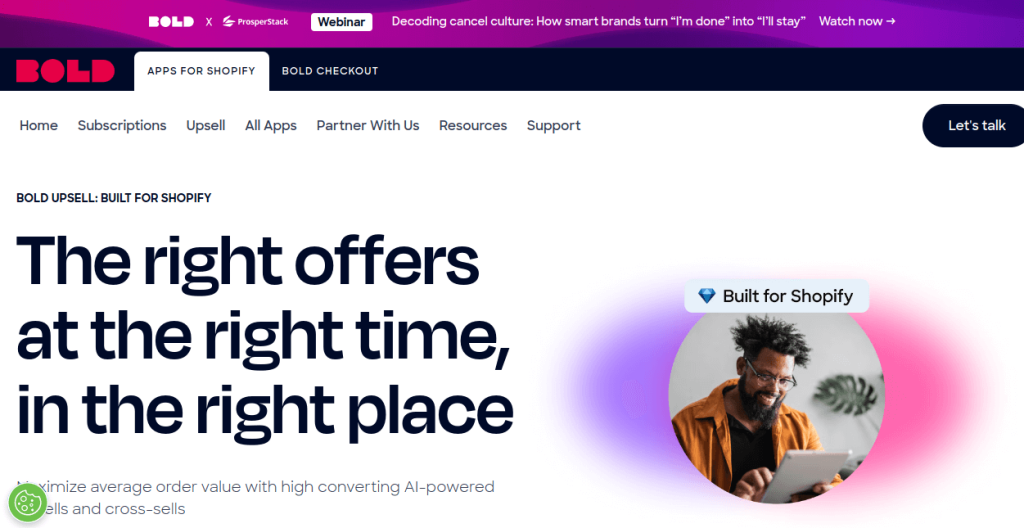
Rating: 4.6/5 stars (1,700+ reviews)
Best For: Beginners learning upselling strategies
Key Features:
- Cart Page Upsells: Upgrade suggestions
- Product Bundles: Create kit offers
- Segment Targeting: Different offers for different customers
- Post-Purchase Upsells: After-checkout offers
- Smart Hiding: Auto-hide out-of-stock items
- Performance Tracking: Monitor upsell success
- Multiple Triggers: Cart value, product type, etc.
- Simple Setup: Guided configuration
Pricing:
- Free to install
- Essential: $25/month
- Pro: $50/month
- View-based pricing model
Pros:
- Fairly basic yet functional, great for learning the ropes
- Established brand with long track record
- Good documentation
- Reliable performance
- Segment-based targeting
Cons:
- View-based pricing can get expensive
- Interface feels dated compared to newer apps
- Limited modern features
12. Instant – Visual Store Builder with Upsells
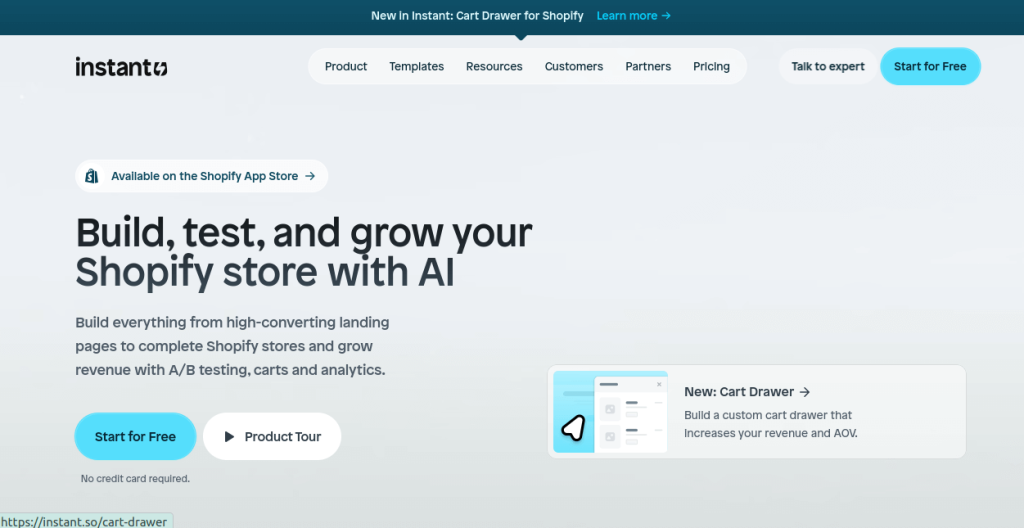
Rating: 4.9/5 stars (1,200+ reviews)
Best For: Merchants wanting design flexibility + upsells
Key Features:
- Drag-and-Drop Page Builder: Build any page type
- Cart Drawer Upsells: Custom cart experience
- Frequently Bought Together: Bundle recommendations
- Product Add-Ons: Complementary items
- Landing Page Creation: Custom pages
- Theme Section Builder: Entire store customization
- No Code Required: Visual interface
- All-in-One Solution: Design + conversion tools
Pricing:
- Contact for custom pricing
- Enterprise-level solution
Pros:
- Complete visual store builder with all key upselling features without juggling multiple apps
- Ultimate design flexibility
- Reduces app count
- Professional results
- Strong for branded experiences
Cons:
- Higher price point
- Learning curve for full platform
- May be overkill for simple upsell needs
13. Bundler – Product Bundles
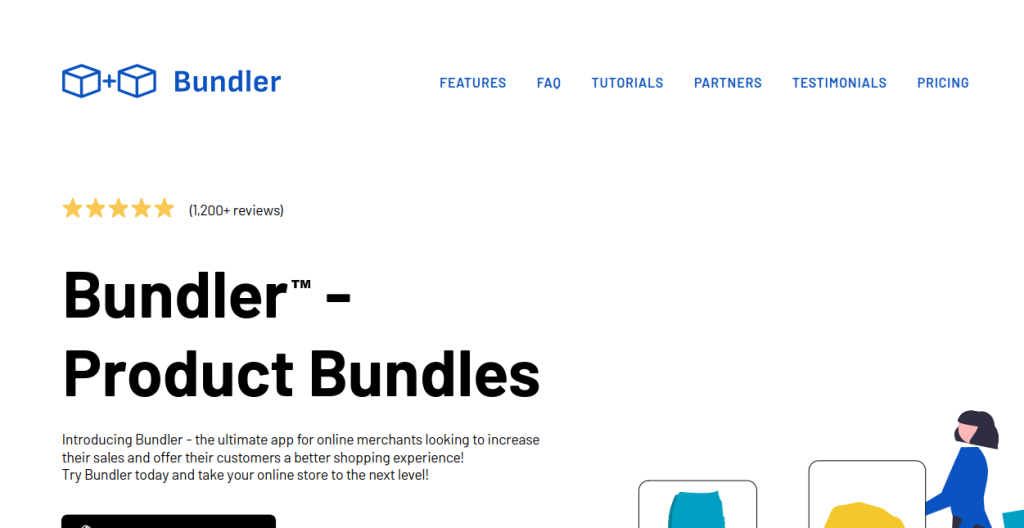
Rating: 4.9/5 stars (1,800+ reviews)
Best For: Simple, effective bundle creation
Key Features:
- Quick Bundle Setup: Minutes to first bundle
- One-Click Discounts: Automatic bundle pricing
- Product Page Display: Native integration
- Fast Loading: Optimized performance
- Minimal Maintenance: Set and forget
- Theme Compatibility: Works with most themes
- Volume Discounts: Quantity-based pricing
- Mix & Match: Customer choice bundles
Pricing:
- 30-day free trial
- Single plan: $19.99/month
Pros:
- Lightweight, fast, and widely loved for bundle-focused strategies with minimal effort
- Very simple to use
- Affordable
- Reliable performance
- Great for straightforward bundling
Cons:
- Limited to bundling only
- No advanced upsell features
- Basic analytics
14. Releasit COD Form & Upsells
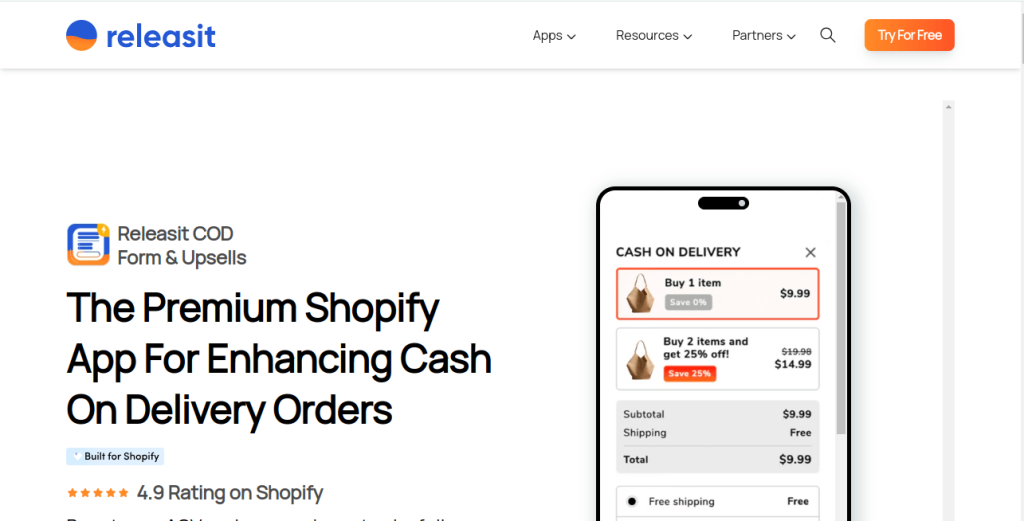
Rating: 4.9/5 stars (3,400+ reviews)
Best For: Cash on Delivery stores and emerging markets
Key Features:
- Fast COD Order Form: Replace standard checkout
- In-Form Upsells: Offers within order form
- Fraud Prevention: Reduce fake COD orders
- Google Sheets Integration: Direct order export
- Phone Verification: SMS confirmation
- Upsell & Downsell: Sequential offers
- Conversion Analytics: Track performance
- Multi-Product Orders: Handle complex orders
Pricing:
- Free: Up to 60 orders/month
- Basic: $9.99/month
- Standard: $29.99/month
- Premium: $69.99/month
Pros:
- Treats COD as a logistics problem rather than just payment method
- Significantly reduces fake orders
- Generous free plan
- Essential for COD-heavy regions
- Fast form completion
Cons:
- Niche use case (COD only)
- Limited use for non-COD stores
- Replaces standard Shopify checkout
15. Essential – Frequently Bought Bundle
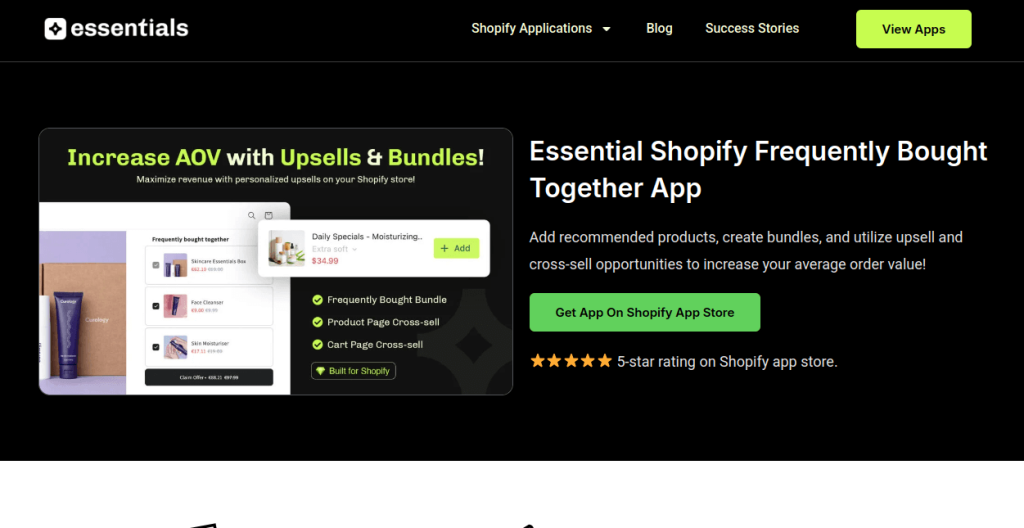
Rating: 4.9/5 stars (440+ reviews)
Best For: Growing stores needing affordable, comprehensive upsells
Key Features:
- Frequently Bought Together: Auto-suggested bundles
- Related Product Recommendations: AI-powered suggestions
- Post-Purchase Upsells: Thank you page offers
- Automatic Discounts: Bundle pricing
- BOGO Offers: Buy one get one promotions
- Native Design: Matches store theme
- Multi-Strategy Support: Test different approaches
- Clean Interface: Easy setup
Pricing:
- Free plan: Available for testing
- Paid plans: Contact for pricing (very affordable)
Pros:
- Delivers comprehensive upselling tools at accessible price point
- Simple, straightforward, and functional — no cluttered features
- Quick setup
- Excellent value
- Good for budget-conscious stores
Cons:
- Newer app with smaller user base
- Limited advanced features
- Basic analytics compared to premium options
How to Choose the Right Upsell App
Store Size:
- Small stores (0-1,000 orders/month): Selleasy, Essential, Bundler
- Mid-size stores (1,000-10,000 orders/month): ReConvert, Frequently Bought Together, BOGOS
- Large stores (10,000+ orders/month): AiTrillion, LimeSpot, Instant
By Primary Goal:
- Post-purchase optimization: ReConvert, AfterSell
- Product page bundles: Frequently Bought Together, Fast Bundle
- Cart optimization: iCart, Candy Rack
- All-in-one solution: AiTrillion, Instant
- COD optimization: Releasit
Budget:
- Free/Low cost: Essential, Selleasy, BOGOS (free plan)
- Mid-range ($10-$50/month): Most apps in this list
- Premium ($50+/month): AiTrillion, LimeSpot Premium, Instant
Also Read : For comprehensive performance tracking of your upsell strategies, integrateanalytics tools to measure ROI effectively.
Key Takeaways for 2026
- Multi-touchpoint strategy wins: The best results come from upselling at multiple points (product page, cart, checkout, post-purchase)
- Mobile optimization is non-negotiable: Mobile shoppers respond better to compact add-ons and bundles than large pop-ups
- Start simple, then expand: Choose one upsell placement, test for 2-4 weeks, then expand based on results
- Personalization matters: AI-powered recommendations consistently outperform generic offers
- Test and optimize: Use A/B testing to find what works for your specific audience
Would you like me to dive deeper into any specific app, provide implementation strategies, or compare certain apps head-to-head?
Choose Your Upsell App and Start Growing Today
The data is clear: upselling isn’t just a nice-to-have feature—it’s a critical revenue driver that can increase your store’s income by 10-30% without spending an extra dollar on advertising. With customer acquisition costs continuing to climb in 2026, maximizing the value of every customer who already trusts your brand is the smartest investment you can make.
After analyzing these 15 top-performing Shopify upsell apps, here’s your action plan:
Quick Decision Framework:
- If you’re just starting out → Begin with Selleasy or Essential for their simplicity and affordable pricing
- If you want post-purchase power → Choose ReConvert for proven thank-you page optimization and one-click upsells
- If you have a large catalog → Go with LimeSpot or Frequently Bought Together for AI-powered personalization
- If you need an all-in-one solution → Pick AiTrillion to consolidate your entire marketing stack
- If you run COD in emerging markets → Select Releasit to reduce fraud while increasing order values
- If design matters most → Opt for Candy Rack or Instant for premium aesthetics and brand control
Your Next Steps:
- Start with ONE app – Don’t overwhelm your store or customers. Pick the app that fits your primary need.
- Test for 30 days – Most apps offer free trials. Use this time to measure actual impact on your AOV.
- Optimize based on data – Check your analytics weekly. What works? What doesn’t? Refine your offers.
- Expand strategically – Once you’ve mastered one touchpoint (e.g., product page), add another (e.g., post-purchase).
- Keep it customer-friendly – The best upsells feel helpful, not pushy. Relevance is everything.
Maximize every customer interaction with Yuko’s all-in-one retention platform.
Related Reading:
- Top 10 Shopify SEO Apps That Actually Increase Organic Traffic
- How Google Reviews for Businesses Can Transform Your Online Reputation
- 11 Best SEO Plugins for WooCommerce
The Bottom Line:
The difference between Shopify stores that thrive and those that struggle often comes down to how well they monetize existing traffic.
While your competitors chase expensive ads, you can be earning 15-30% more from the same number of visitors by implementing smart, strategic upsells.
The perfect time to start was yesterday. The second-best time is right now. Choose your app, set up your first upsell offer, and watch your average order value climb. Your future self (and your bank account) will thank you.
Frequently Asked Questions
A Shopify upsell app automatically suggests additional or upgraded products to customers during their shopping journey—on product pages, in the cart, at checkout, or after purchase. These apps use AI and purchase data to recommend relevant products that complement what customers are buying. For example, if someone adds a phone to their cart, the app might suggest a case, screen protector, or wireless charger. The recommendations display through widgets or popups that match your store’s design.
Most Shopify merchants see a 10-30% increase in average order value within the first 30-90 days of implementation. Stores with complementary products (fashion, beauty, electronics) often see 30-40% increases because customers naturally want matching items. Post-purchase upsells typically convert at 3-8%, while in-cart offers can reach 10-15% conversion rates. Your results depend on product pricing, offer relevance, and how well you optimize your strategy.
Start with one comprehensive app rather than stacking multiple apps, as too many can slow your site and overwhelm customers. Apps like AiTrillion, ReConvert, or Candy Rack cover multiple touchpoints (product page, cart, checkout, post-purchase) within a single platform. Some merchants successfully combine a post-purchase app with a product page bundling app if they target different stages without overlap. Always monitor site speed and track which app drives conversions if using multiple tools.
Modern, well-coded upsell apps have minimal impact on site speed as they load asynchronously without blocking page content. Choose apps with high ratings and “Built for Shopify” badges to ensure optimal performance. Test your site speed before and after installing any app using Google PageSpeed Insights. If you notice slowdowns, check your total app count—having 10+ apps is more likely to cause issues than any single upsell app.
The best timing depends on your products and customer behavior, but research shows different touchpoints work for different goals. Product page upsells work well for showing complementary items when purchase intent is high. In-cart upsells catch customers right before checkout when they’re committed to buying. Post-purchase upsells have the highest acceptance rates (3-8%) because customers have already committed and don’t need to re-enter payment details. Most successful stores use a multi-touchpoint strategy, testing offers at 2-3 different stages to maximize revenue.
No coding skills are required for most modern upsell apps in 2026. Top apps like ReConvert, Selleasy, and Frequently Bought Together offer drag-and-drop editors, pre-built templates, and visual customization tools that anyone can use. Setup typically takes 15-30 minutes, and most apps provide video tutorials and step-by-step guides. While some advanced customization options (like custom CSS styling) may benefit from coding knowledge, basic setup and operation are designed for non-technical users. If you get stuck, most apps offer free onboarding support or chat assistance.
Beginners should start with user-friendly apps like Selleasy, Essential, or Frequently Bought Together, which offer simple setup, affordable pricing ($8-$10/month), and pre-built templates that work immediately. These apps focus on core features without overwhelming options. Advanced users or larger stores benefit from comprehensive platforms like AiTrillion, LimeSpot, or ReConvert, which offer AI personalization, advanced segmentation, A/B testing, and detailed analytics. If you’re between beginner and advanced, apps like BOGOS or Fast Bundle strike a good balance with intuitive interfaces plus powerful customization options as you grow.

