
Running an online store that sells personalized items requires the right tools to handle customer requests efficiently. Whether you’re offering engraved jewelry, custom t-shirts, or made-to-order furniture, having a reliable shopify app for custom products can transform your business operations and customer experience.
Table of contents
- Quick Stats
- Why Your Store Needs a Product Customizer Shopify Solution
- 7 Best Shopify Apps for Custom Products
- Choosing the Right Custom Product Builder Shopify App
- Implementation Tips for Maximum Success
- Common Challenges and Solutions
- Measuring Your Customization Success
- Final Thoughts
- Frequently Asked Questions
The challenge most store owners face is finding software that balances functionality with ease of use. You need something that lets customers design products themselves while giving you control over pricing, production, and inventory management.
After testing dozens of solutions, I’ve compiled this guide featuring seven powerful apps that help you sell customized merchandise without technical headaches.
Quick Stats
- 81% of customers prefer companies that offer personalized experiences (source: Shopify)
- 80% of consumers are more likely to make a purchase from brands that offer personalized interactions(source: adamconnell)
- 48% of consumers reported they are willing to wait longer for customized products(source:customcy)
Why Your Store Needs a Product Customizer Shopify Solution
Personalization has become an expectation rather than a luxury. Research shows that 80% of consumers are more likely to purchase from brands offering customized experiences. When shoppers can add their personal touch to products, they develop stronger emotional connections and are willing to pay premium prices.
A quality custom product builder shopify app provides several advantages:
- Reduces back-and-forth communication about design specifications
- Minimizes order errors by capturing exact customer requirements upfront
- Increases average order value through upselling premium customization options
- Streamlines production workflows with automated design file generation
- Creates a competitive advantage in crowded marketplaces
The right tool essentially acts as a silent salesperson, guiding customers through the personalization process while you focus on fulfillment and growth.
7 Best Shopify Apps for Custom Products
Here are the 7 best shopify apps for custom products that helps in product personalization:
1. Zakeke – Visual Product Customizer
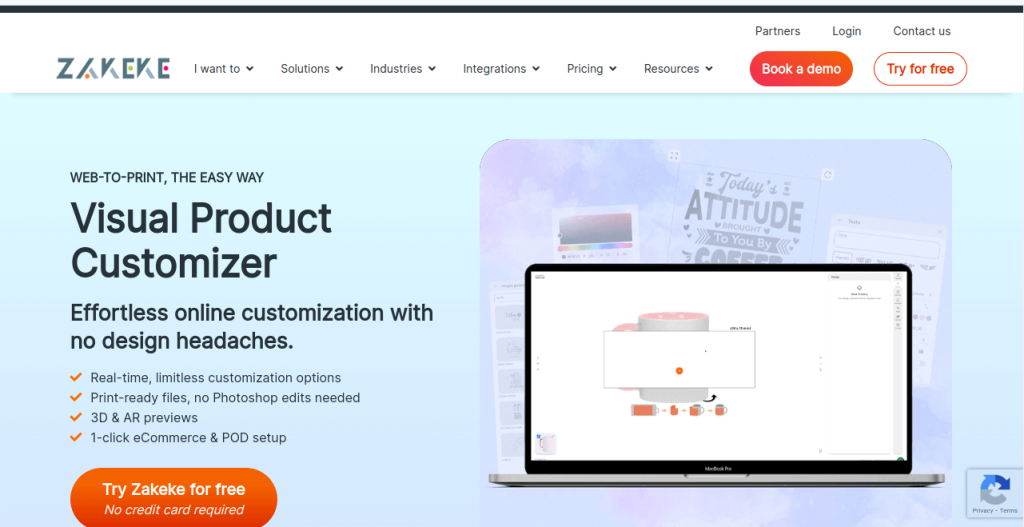
Zakeke stands out as a comprehensive solution for stores selling everything from apparel to home decor. The platform offers real-time 3D and 2D visualization, allowing customers to see exactly how their customizations will look before purchasing.
Key Features:
The app supports text personalization with hundreds of fonts, image uploads, clipart libraries, and color selectors. For businesses selling clothing or accessories, the virtual try-on feature using augmented reality creates an immersive shopping experience.
What makes Zakeke particularly valuable is its conditional logic system. You can set rules that show or hide certain customization options based on previous customer selections, preventing incompatible combinations.
Pricing:
Plans start at $29 monthly for basic customization features. The professional tier at $99 monthly unlocks 3D visualization and advanced design tools.
Best For:
Stores offering complex customization with multiple design elements. Particularly strong for print on demand shopify apps integration and businesses wanting AR capabilities.
2. Product Personalizer – By Zepto Apps
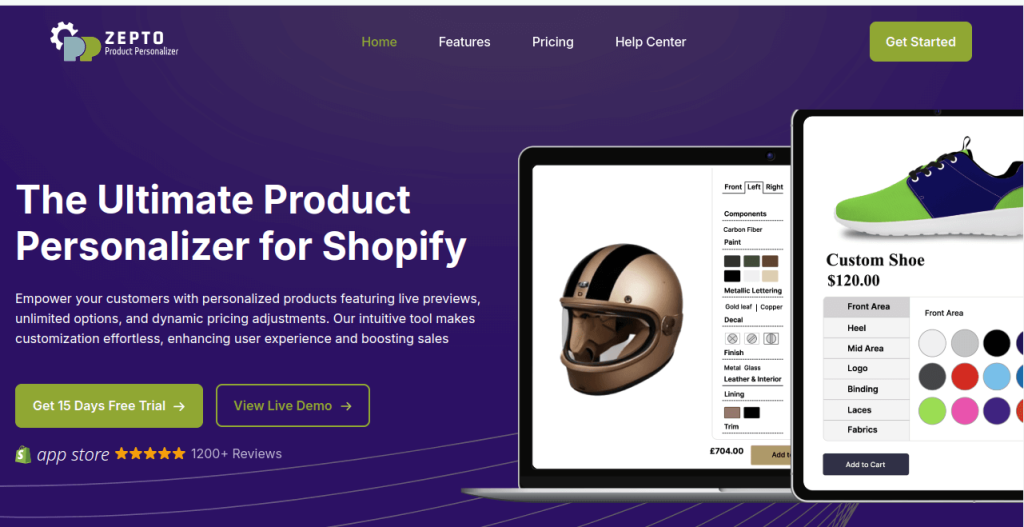
This app focuses on simplicity without sacrificing functionality. Product Personalizer excels at handling text-based customizations, monogramming, and basic image uploads with an interface that doesn’t overwhelm customers.
Key Features:
The conditional pricing engine automatically adjusts costs based on selected options. If a customer chooses premium engraving plus gift wrapping, the price updates instantly. The app also includes character limits, required fields, and file format restrictions to ensure you receive usable design files.
One underrated feature is the ability to create option templates. Once you’ve configured customization settings for one product, you can duplicate them across similar items in seconds.
Pricing:
Free plan available with limited options. Paid plans begin at $9.99 monthly, making it one of the most budget-friendly choices.
Best For:
Small to medium stores just starting with personalization. Excellent choice if you primarily handle text customizations or simple design requests.
3. Kickflip – Advanced Custom Product Builder
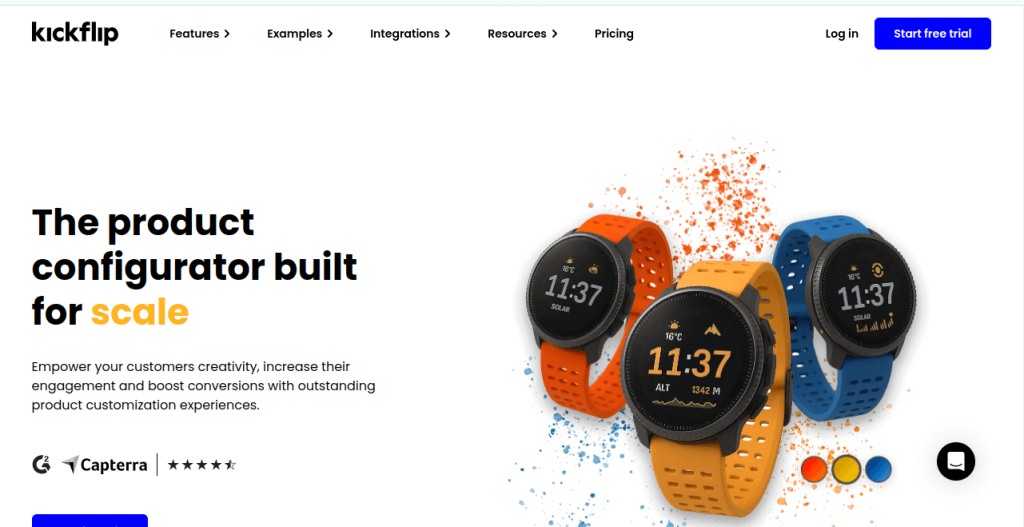
Kickflip caters to businesses selling highly configurable products like furniture, bicycles, or tech accessories. This custom product builder shopify app handles complex product configurations with dependent options and real-time price calculations.
Key Features:
The visual product configurator uses high-quality 3D models that update as customers select different components. For a custom laptop, shoppers could choose the processor, RAM, storage, and color while watching the product image change accordingly.
The app integrates with manufacturing systems through API connections, automatically sending detailed specifications to your production team or suppliers. This eliminates manual data entry and reduces fulfillment errors.
Pricing:
Custom pricing based on business requirements. Typically starts around $150 monthly for small catalogs.
Best For:
Businesses selling complex configurable products with many interdependent options. Ideal for B2B stores and manufacturers selling directly to consumers.
4. Customily – Product Personalizer
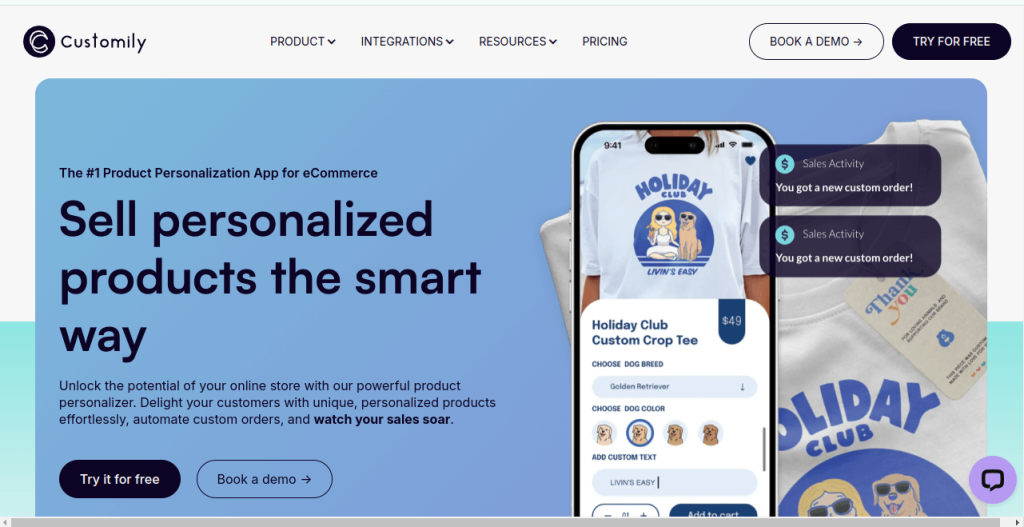
Customily combines powerful design tools with user-friendly interfaces, striking a balance that works for both store owners and customers. The platform handles everything from simple text additions to complex multi-layer designs.
Key Features:
The live preview generator is remarkably fast, updating product images in real-time as customers make changes. The app supports curved text for bottles and circular items, pattern fills, and effects like shadows or outlines.
For shopify personalization apps, Customily offers particularly strong team collaboration features. Multiple staff members can access the dashboard to manage designs, adjust templates, or respond to customer questions about customization options.
Pricing:
Plans start at $29 monthly with unlimited products and orders. Enterprise solutions available for high-volume stores.
Best For:
Stores needing professional design tools with fast rendering. Great for businesses where visual accuracy in previews is critical to reducing returns.
5. Printful – Print on Demand Integration
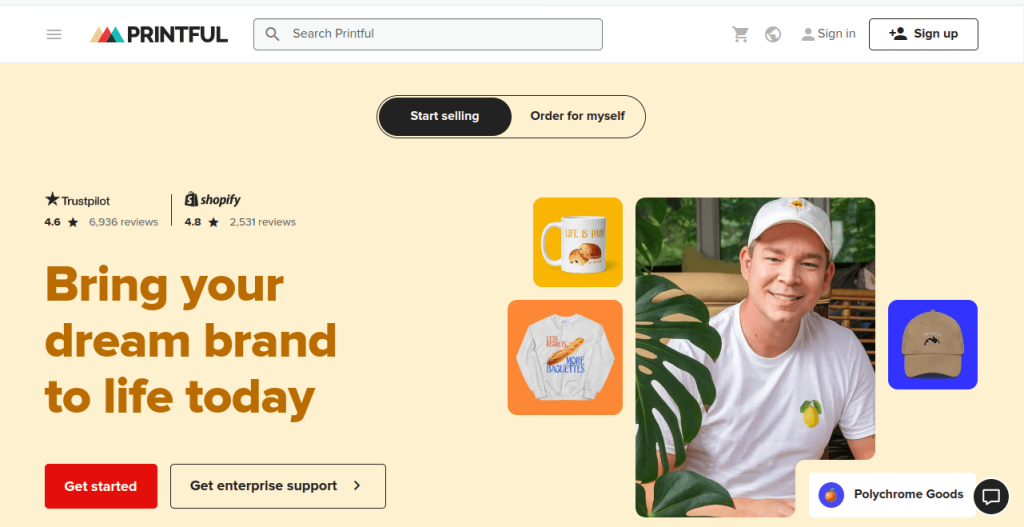
While technically a fulfillment service, Printful includes robust customization features that qualify it as a top shopify app for custom products. The platform handles everything from product creation to shipping, making it a complete solution for entrepreneurs.
Key Features:
Access to over 300 customizable products across categories including clothing, accessories, home goods, and more. The mockup generator creates professional product photos automatically, saving you photography costs.
Customers can use the built-in design tool to add text, upload images, or choose from clipart libraries. Once orders come in, Printful automatically receives the design files and begins production, typically shipping within 2-7 business days.
Pricing:
No monthly fees. You pay only for products ordered, with prices varying by item type and customization complexity.
Best For:
New entrepreneurs wanting to test custom product ideas without inventory investment. Perfect for print on demand shopify apps integration since fulfillment is completely automated.
6. Infinite Options – by ShopPad
Don’t let the generic name fool you. Infinite Options provides exactly what it promises: unlimited customization fields for any product. This shopify custom options app excels at handling complex form requirements beyond standard Shopify variants.
Key Features:
Create text boxes, dropdowns, radio buttons, checkboxes, date pickers, and file upload fields. You can add as many options as needed without hitting Shopify’s 100-variant limit.
The conditional logic system shows or hides fields based on previous selections. For example, if someone orders a custom cake, you could show flavor options first, then display filling choices that pair well with their selected flavor.
Price calculations support complex formulas including percentages, fixed amounts, and quantity-based adjustments. You can even create price tiers where costs decrease as customers order more units.
Pricing:
Plans start at $12.99 monthly for basic features. The professional plan at $29.99 monthly adds conditional logic and advanced pricing rules.
Best For:
Stores needing maximum flexibility in customization options. Excellent for products with many variables or businesses that frequently update their customization offerings.
7. Teeinblue Product Personalizer
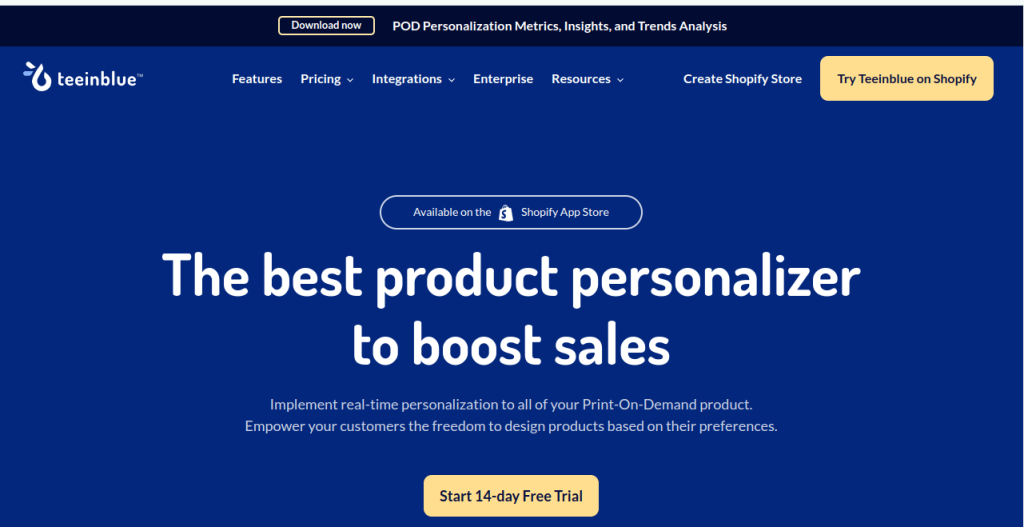
Teeinblue specializes in personalized print products, though it works well for various custom merchandise. The app provides design tools specifically optimized for items like t-shirts, mugs, phone cases, and posters.
Key Features:
The layer-based editor allows customers to add multiple design elements, adjust their positioning, and control z-index ordering. The text warping tool creates effects like arched text or text that follows a path.
Background removal technology automatically removes white backgrounds from uploaded images, creating cleaner designs. The app also includes design templates that customers can customize as starting points, which often increases conversion rates by reducing decision paralysis.
Pricing:
Free plan available with Teeinblue branding. Paid plans start at $12.99 monthly and remove branding while adding advanced features.
Best For:
Print-focused businesses wanting industry-specific tools. Strong choice for stores selling apparel, drinkware, or wall art with text and image personalization.
Choosing the Right Custom Product Builder Shopify App
Selecting the best app depends on your specific business model and products. Consider these factors during evaluation:
- Product Complexity: Simple text personalization requires less sophisticated tools than multi-component configurators. Match the app’s capabilities to your actual needs rather than paying for features you won’t use.
- Customer Technical Skills: Some tools assume design knowledge while others guide users through simple step-by-step processes. Know your audience and choose accordingly.
- Integration Requirements: Check whether the app connects with your existing systems like inventory management, accounting software, or production equipment. Seamless data flow prevents errors and saves time.
- Scalability: A solution that works perfectly for 50 orders monthly might struggle at 500. Review performance specifications and consider your growth plans.
- Support Quality: When customization issues arise, you need fast responses. Test support channels before committing to ensure the team is responsive and knowledgeable.
Implementation Tips for Maximum Success
Installing a product customizer shopify app is just the beginning. These strategies help you maximize results:
- Start Small: Rather than enabling customization across your entire catalog immediately, begin with your best-selling products. This lets you refine processes before scaling.
- Set Clear Guidelines: Tell customers exactly what they can customize and any limitations. Specify maximum character counts, acceptable file formats, and design restrictions upfront to avoid disappointment.
- Show Examples: Create sample products demonstrating customization possibilities. Visual examples inspire customers and clarify what’s achievable.
- Price Appropriately: Customization adds value, and customers expect to pay more for personalized items. Research competitor pricing but don’t undervalue your unique offerings.
- Test Thoroughly: Place test orders yourself to experience the customer journey. Check that design files are generated correctly and contain all necessary information for production.
- Gather Feedback: Ask customers about their customization experience. Their insights reveal friction points you might miss and opportunities for improvement.
Common Challenges and Solutions
Even the best shopify personalization apps can present obstacles. Here’s how to handle frequent issues:
- Low-Quality Uploads: Customers often submit images that won’t print well. Set minimum resolution requirements and provide clear guidelines about acceptable file types. Some apps automatically reject files below quality thresholds.
- Complex Pricing: Calculating costs for multiple customization options can confuse customers. Use dynamic pricing that updates in real-time and shows the base price plus customization charges separately.
- Production Bottlenecks: Custom orders require more handling than standard products. Build buffer time into your processing schedules and set realistic delivery expectations on product pages.
- Design Approval Workflows: Some stores prefer reviewing designs before production begins. Configure automated approval processes that work for your team size and order volume.
Measuring Your Customization Success
Track these metrics to evaluate whether your shopify app for custom products is delivering value:
- Conversion Rate Differential: Compare conversion rates between customizable products and standard items. Properly implemented personalization typically increases conversions by 15-30%.
- Average Order Value: Customization usually boosts order values. Monitor whether customers choosing personalization spend more than those buying standard products.
- Return Rates: Custom items should have lower return rates since customers designed them specifically. Higher-than-average returns might indicate issues with previews not matching finished products.
- Customer Lifetime Value: Shoppers who customize products often become repeat buyers. Track whether personalization customers make more purchases over time.
- Production Efficiency: Measure time from order placement to shipment. The right app should streamline rather than complicate your fulfillment process.
Final Thoughts
Adding customization capabilities to your Shopify store opens new revenue opportunities and differentiates your brand in competitive markets. The seven apps covered here each excel in different scenarios, from simple text personalization to complex 3D product configuration.
Take time to evaluate your specific requirements, test multiple options using free trials, and choose the solution that balances functionality with usability. Remember that the technology is just an enabler. Your success ultimately depends on understanding what your customers want to personalize and making that process delightful.
Start with one product category, perfect your process, then expand customization across your catalog. With the right custom product builder shopify app and thoughtful implementation, you’ll create memorable shopping experiences that turn browsers into buyers and customers into advocates.
Also Read
Frequently Asked Questions
Modern customization apps are optimized for performance and shouldn’t significantly impact loading speeds when properly implemented. Most reputable apps use efficient coding and cloud-based processing to minimize performance issues. However, apps with heavy 3D rendering or large image libraries may slightly increase load times. Test your site speed after installation using tools like Google PageSpeed Insights and optimize images to maintain fast performance.
Yes, quality customization apps provide real-time visual previews showing exactly how the finished product will look. Basic apps display 2D previews with text and image overlays, while advanced solutions offer 3D visualization where customers can rotate and zoom. Some premium apps even include augmented reality (AR) features that let shoppers see products in their actual environment using their smartphone camera before purchasing.
Customization apps automatically capture all design specifications when customers complete their purchase. The information typically appears in your Shopify order details, and many apps generate production-ready files in formats like PDF, PNG, or vector files. Some advanced solutions integrate directly with printing equipment or manufacturing systems, automatically sending specifications to your production team without manual data entry.
Absolutely. You maintain complete control over customization options through the app’s settings. You can restrict character counts for text, limit color choices, define acceptable file formats, set size parameters, and create rules for option combinations. Conditional logic features let you show or hide certain options based on previous selections, preventing incompatible choices and ensuring you only receive orders you can fulfill properly.
Many customization apps integrate seamlessly with print-on-demand platforms like Printful, Printify, and Gooten. Some apps are specifically designed for POD integration, automatically sending customer designs to fulfillment partners. If you’re using separate apps for customization and fulfillment, verify compatibility before installation. The best approach is choosing an all-in-one solution or confirming that your customization app exports files in formats your POD service accepts.
Several customization apps include approval workflows where orders are held for review before moving to production. You can examine the design, check for issues, and contact customers if changes are needed. Some apps send automated proof approval emails to customers, requiring confirmation before manufacturing begins. This feature is particularly valuable for high-value items, complex designs, or businesses wanting to ensure customer satisfaction before committing resources to production.

